
Components
An entity is a name and a place in the world. Everything else it is or does comes from its components: a mesh to draw, a light, a body for physics, a sound. Add one with Add component at the bottom of the inspector, and take one off with the ... in its header.
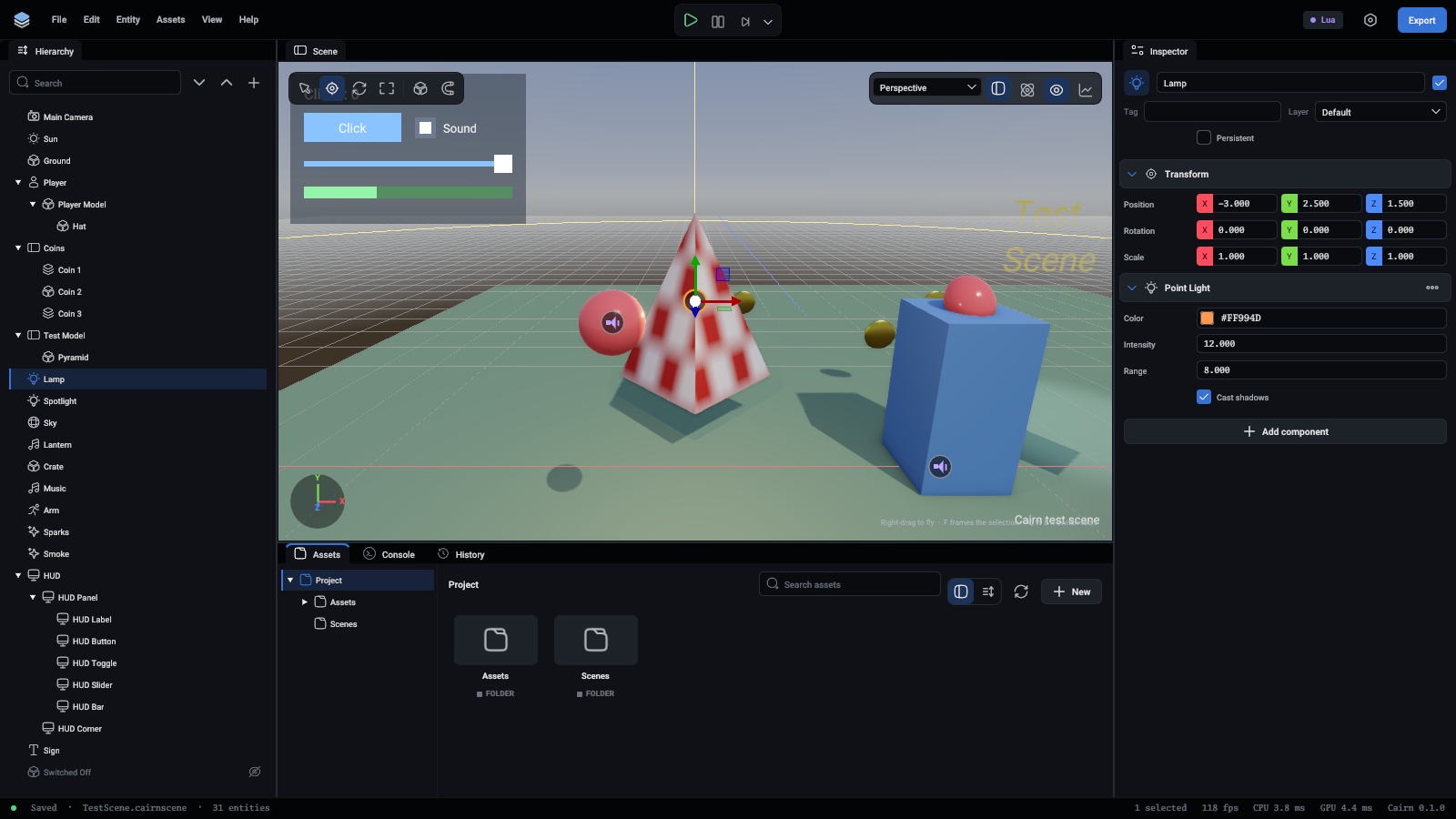
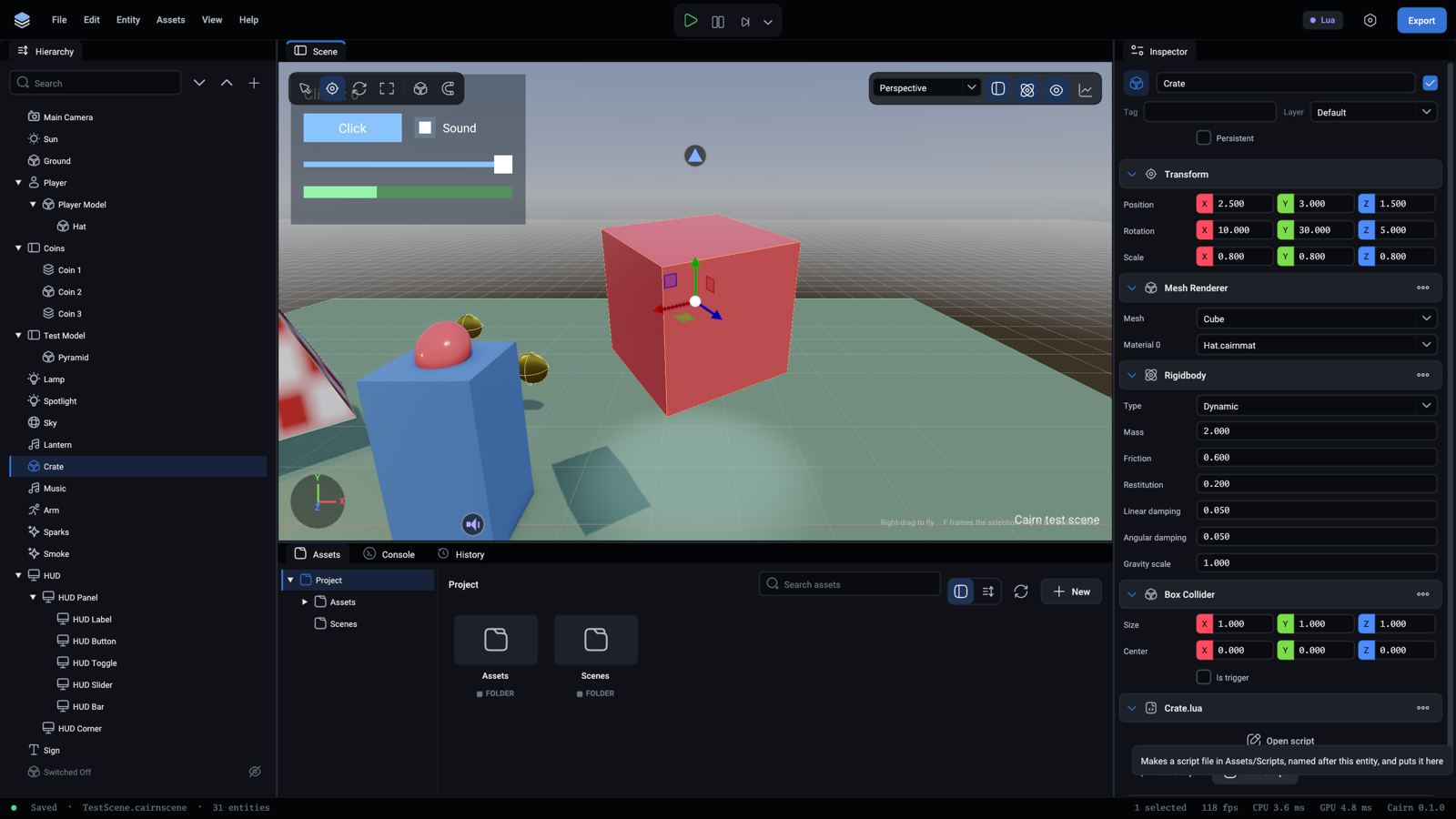
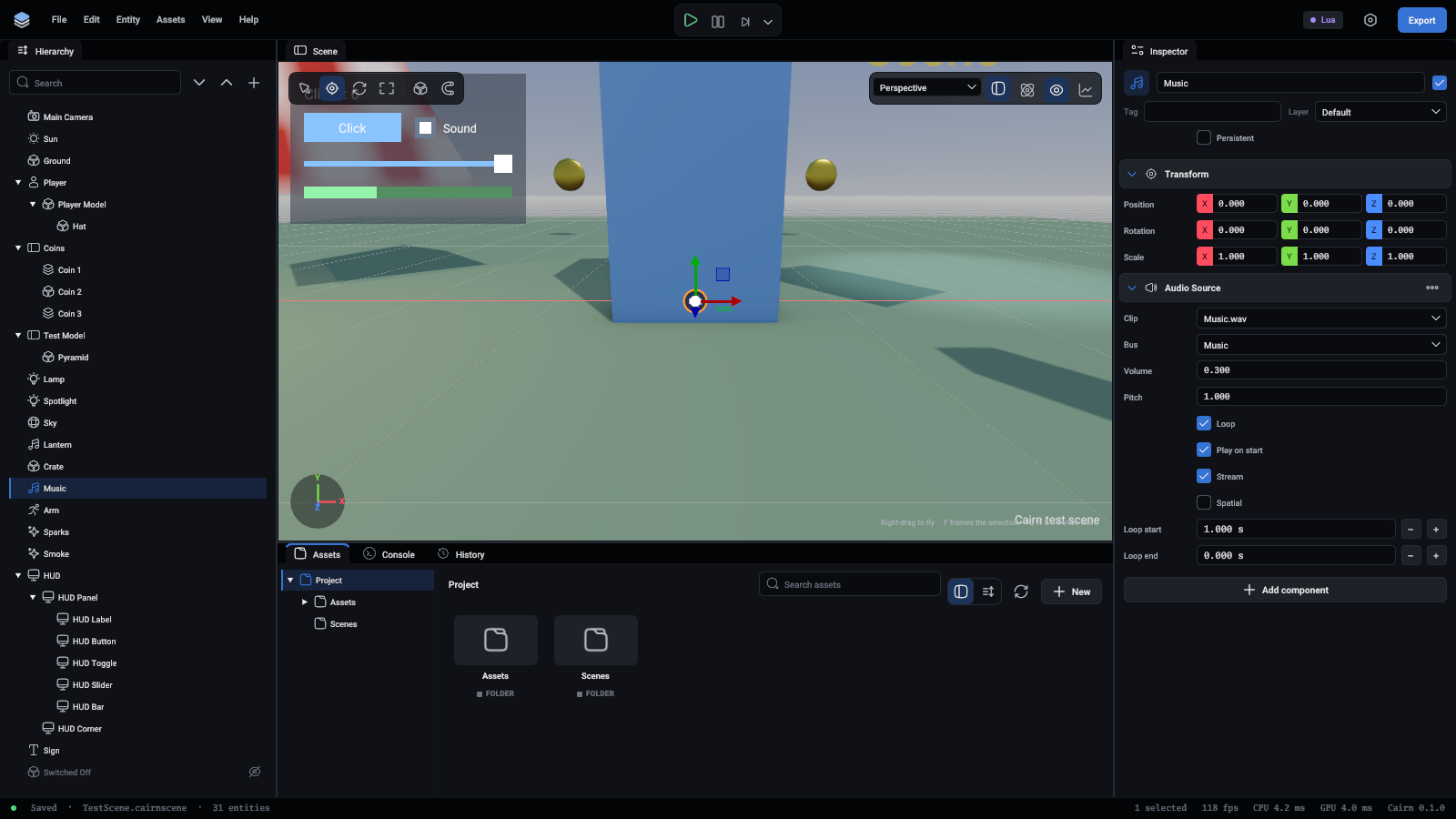
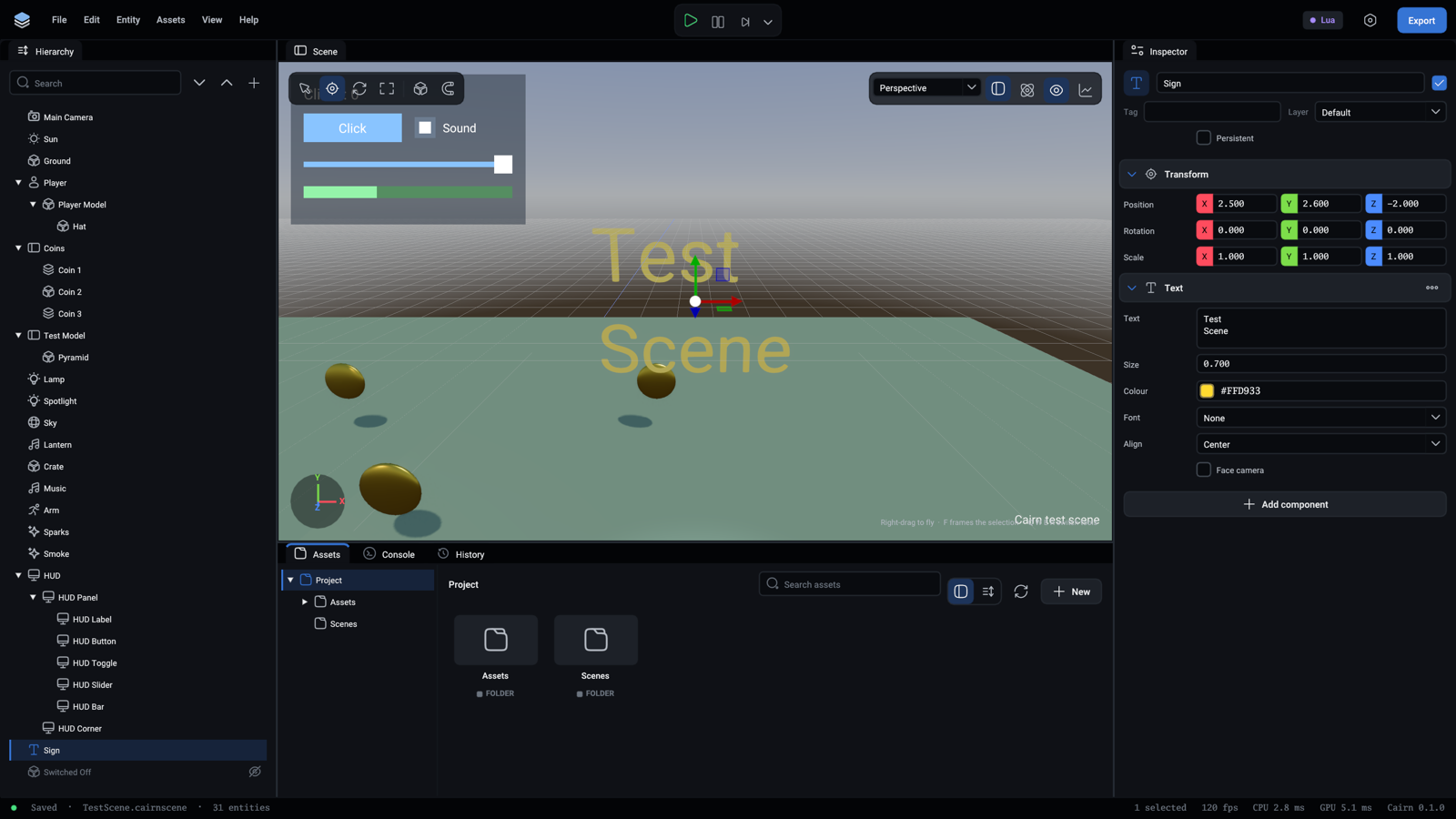
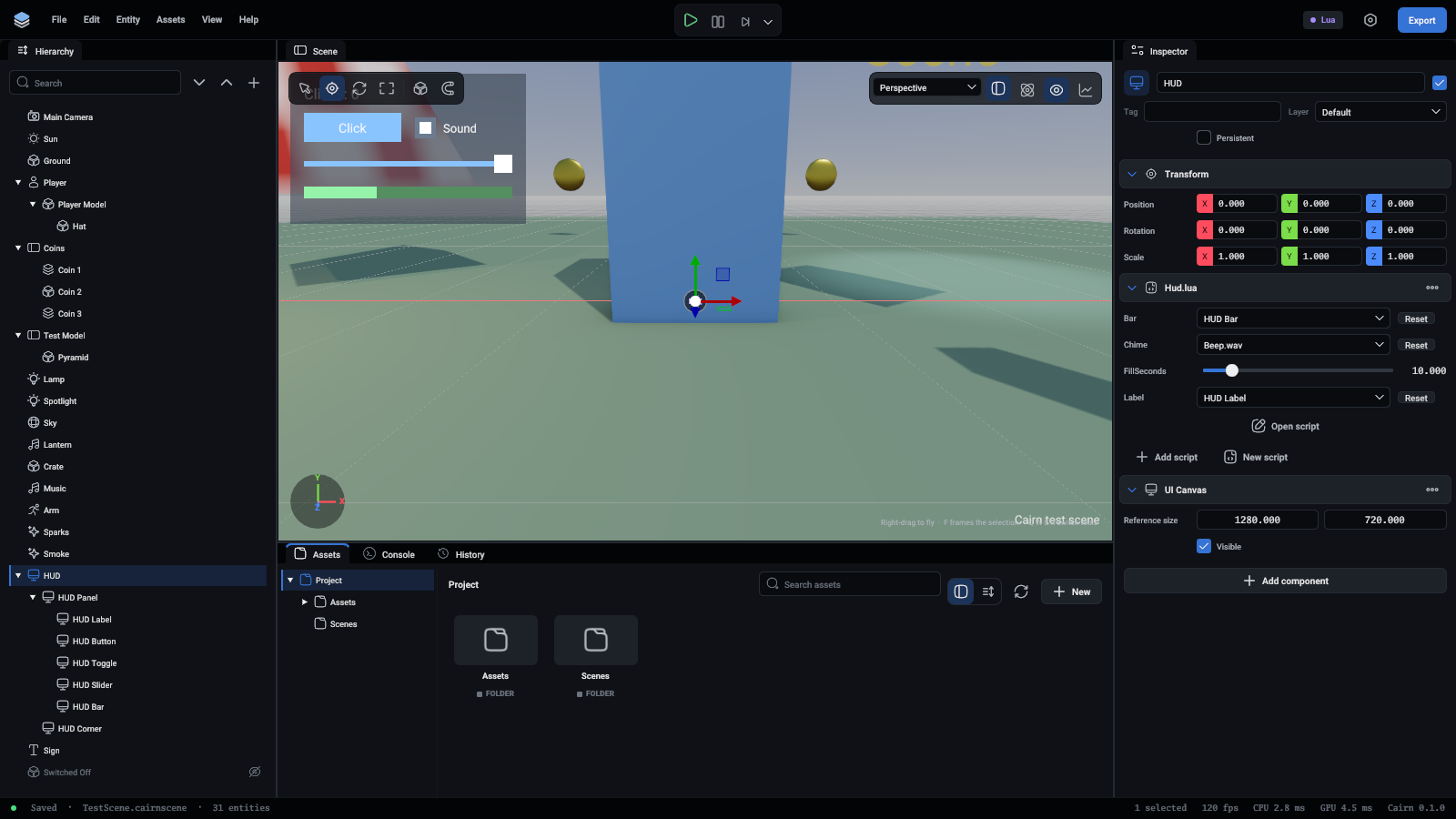
Every picture on this page is the editor with an entity of the test scene selected, so the component is open in the inspector on the right.
Transform
Every entity has one, and it cannot be removed. It is where the entity is, relative to its parent in the hierarchy, or to the world for an entity at the top.
A child follows its parent's transform. Drag the gizmo in the viewport to change these by hand.
Camera
What the game is seen through. The scene draws from the first camera marked Primary. A camera looks down its entity's -Z axis, with +Y up.
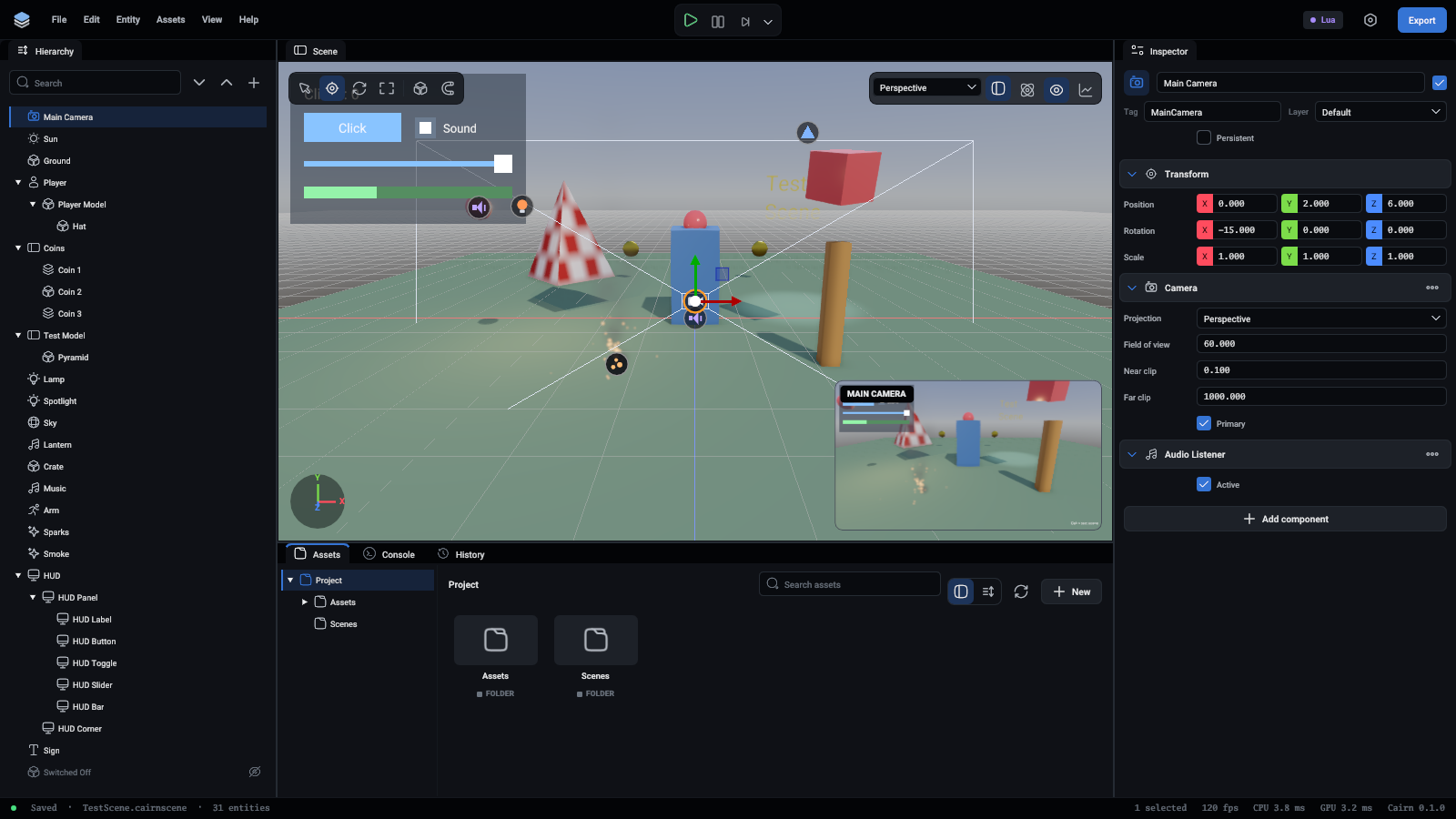
More in Cameras.
Mesh renderer
Draws a mesh: a built-in Cube, Sphere or Plane, or a mesh from a model you imported.
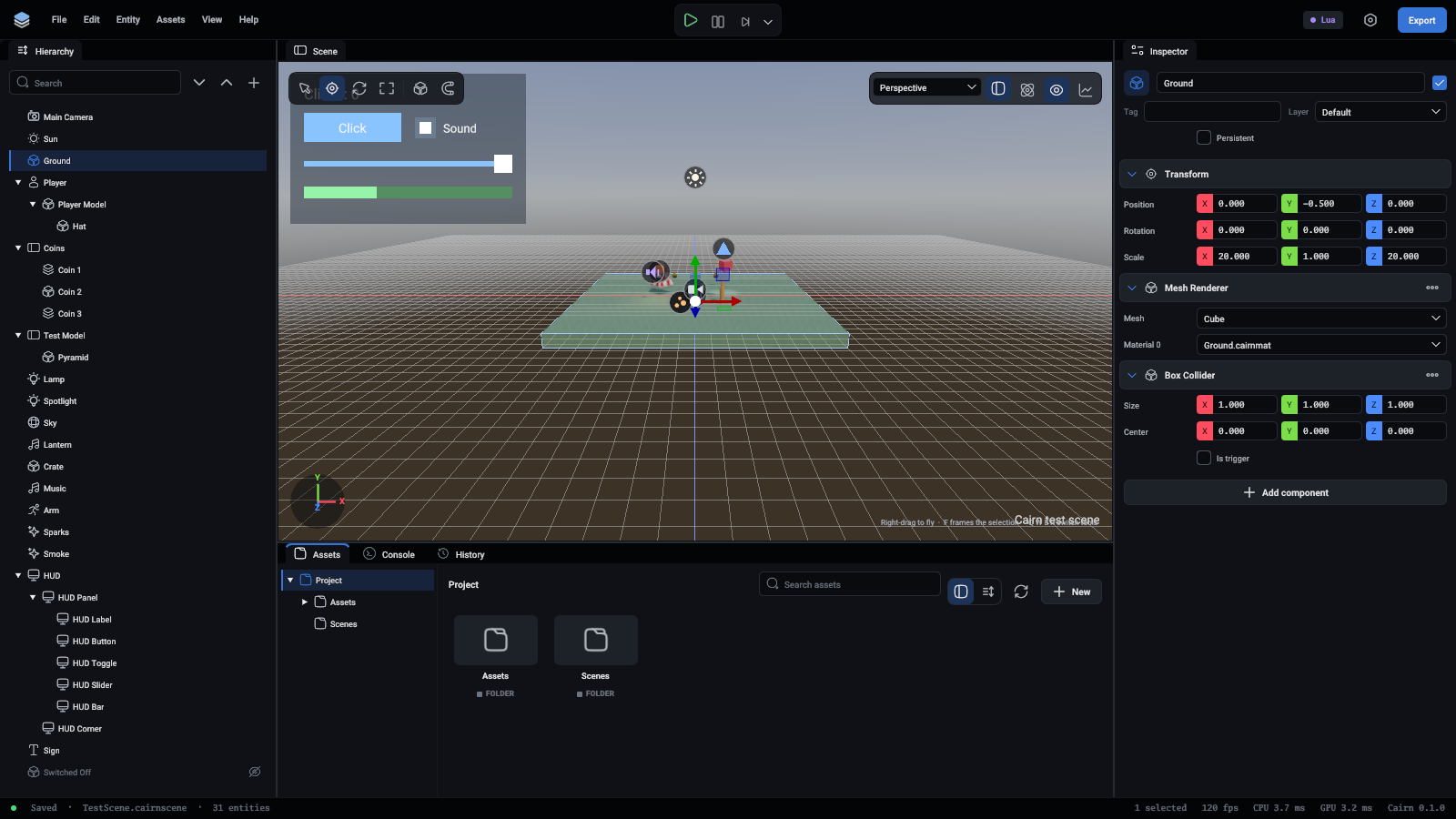
Materials are made in the Assets panel and edited in the inspector.
Sky
An HDR picture of the world all round, drawn behind everything. It also lights the scene: the sky's colours fall on every surface, and shiny things reflect it. The scene uses the first sky it finds, and where its entity stands does not matter.
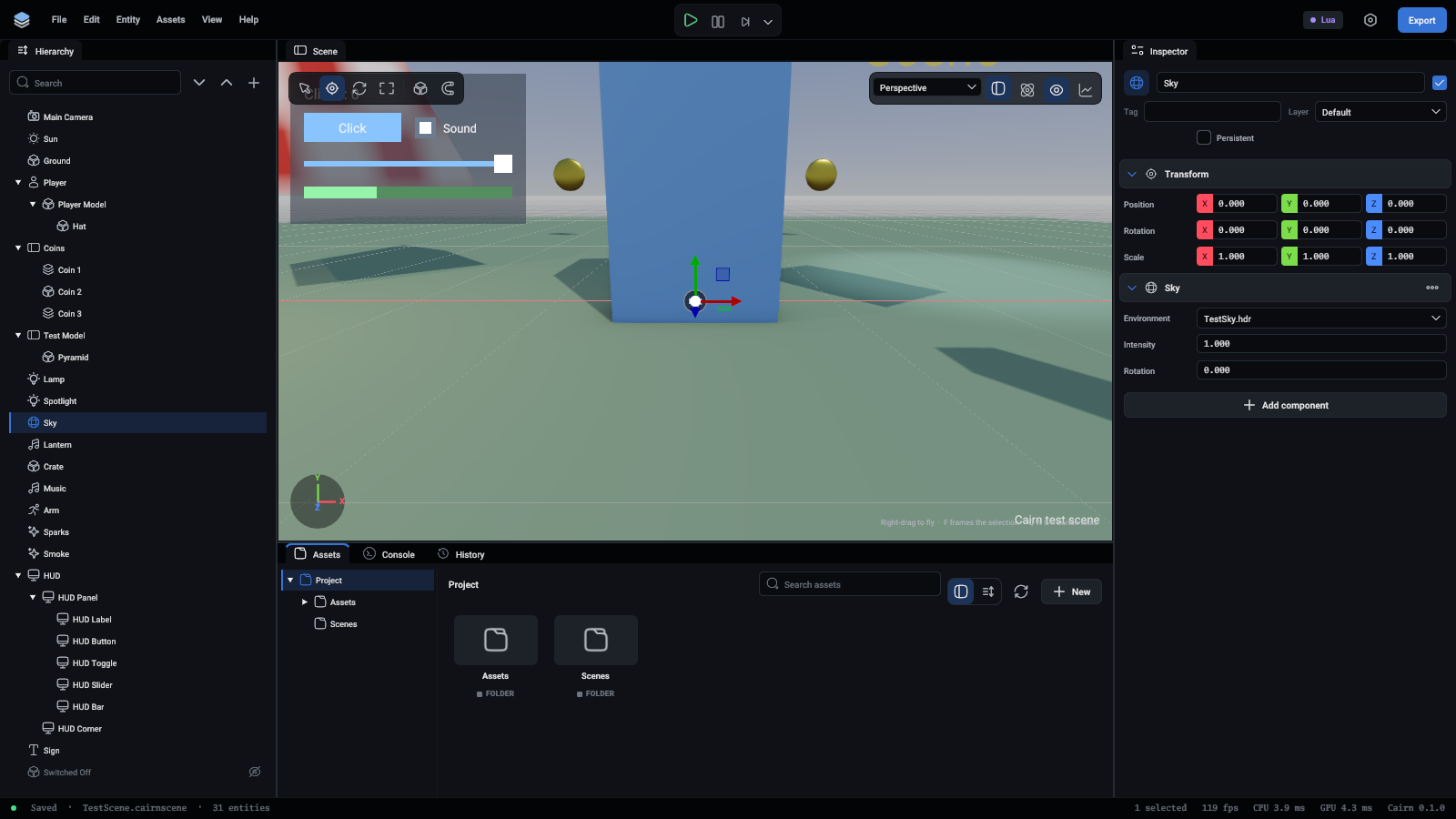
More in Rendering.
Directional light
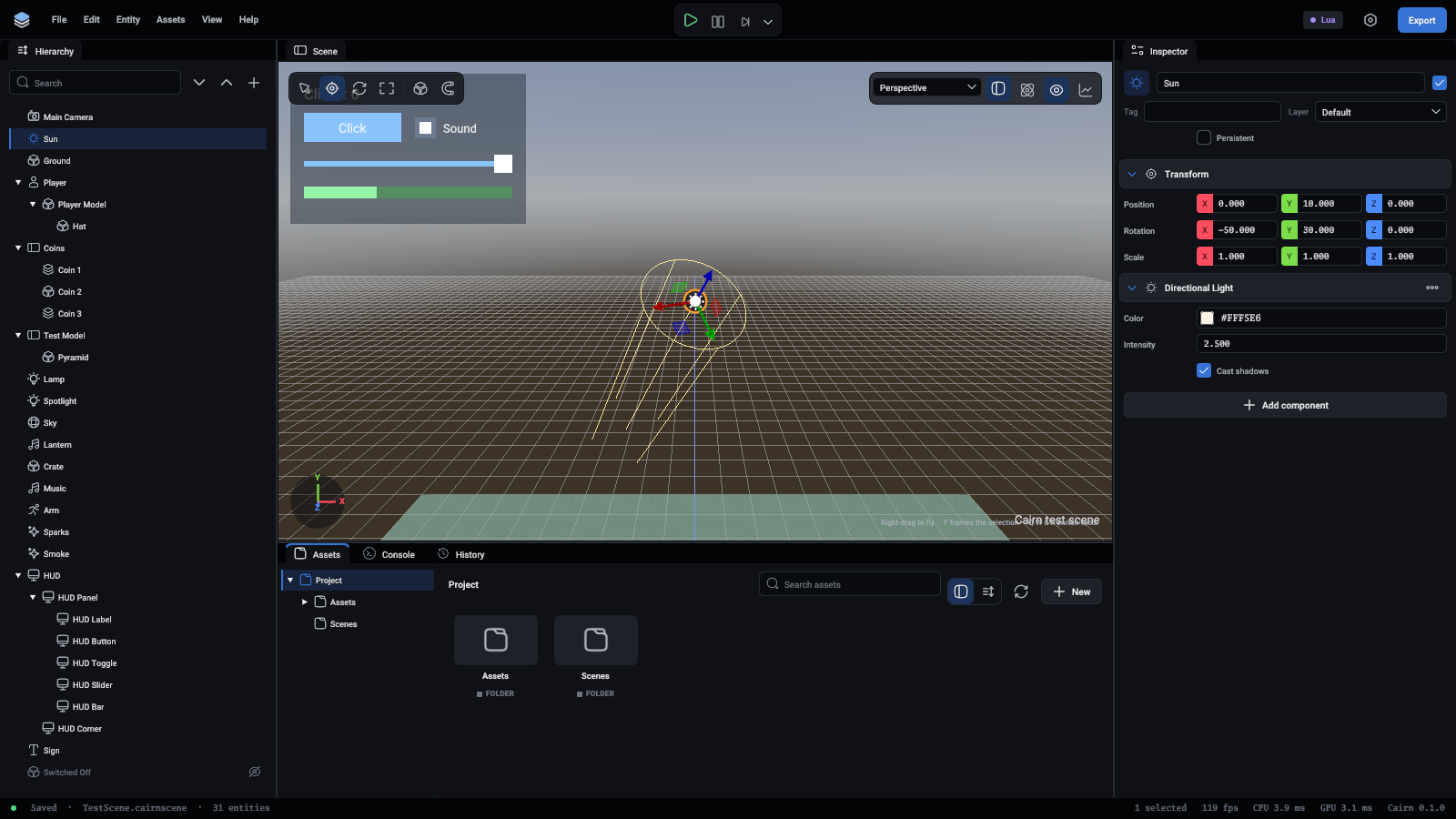
Light from far away that falls the same way everywhere, as sunlight does. It shines down its entity's -Z axis, so turning the entity moves the sun.
Point light
Light that shines every way from a point, as a bulb does.
Spot light
A cone of light down its entity's -Z axis, as a torch or a stage light makes.
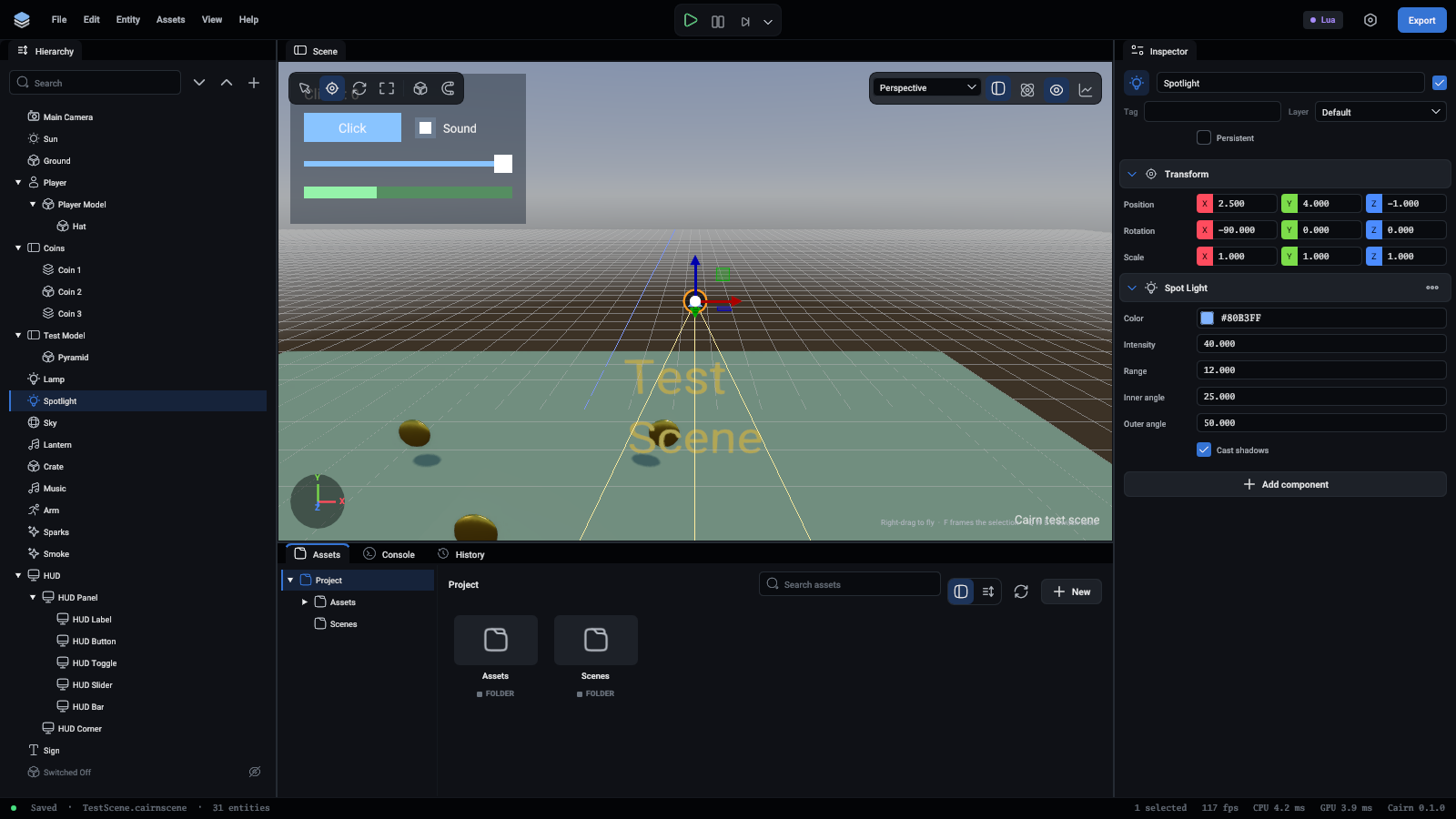
A scene can have 16 lights in view at once. Twelve shadow maps are shared by point and spot lights: a spot light takes one and a point light six. More in Lights.
Rigidbody
Makes the entity a physics body. Its shape comes from the collider components on the same entity: without one it has no shape and touches nothing.
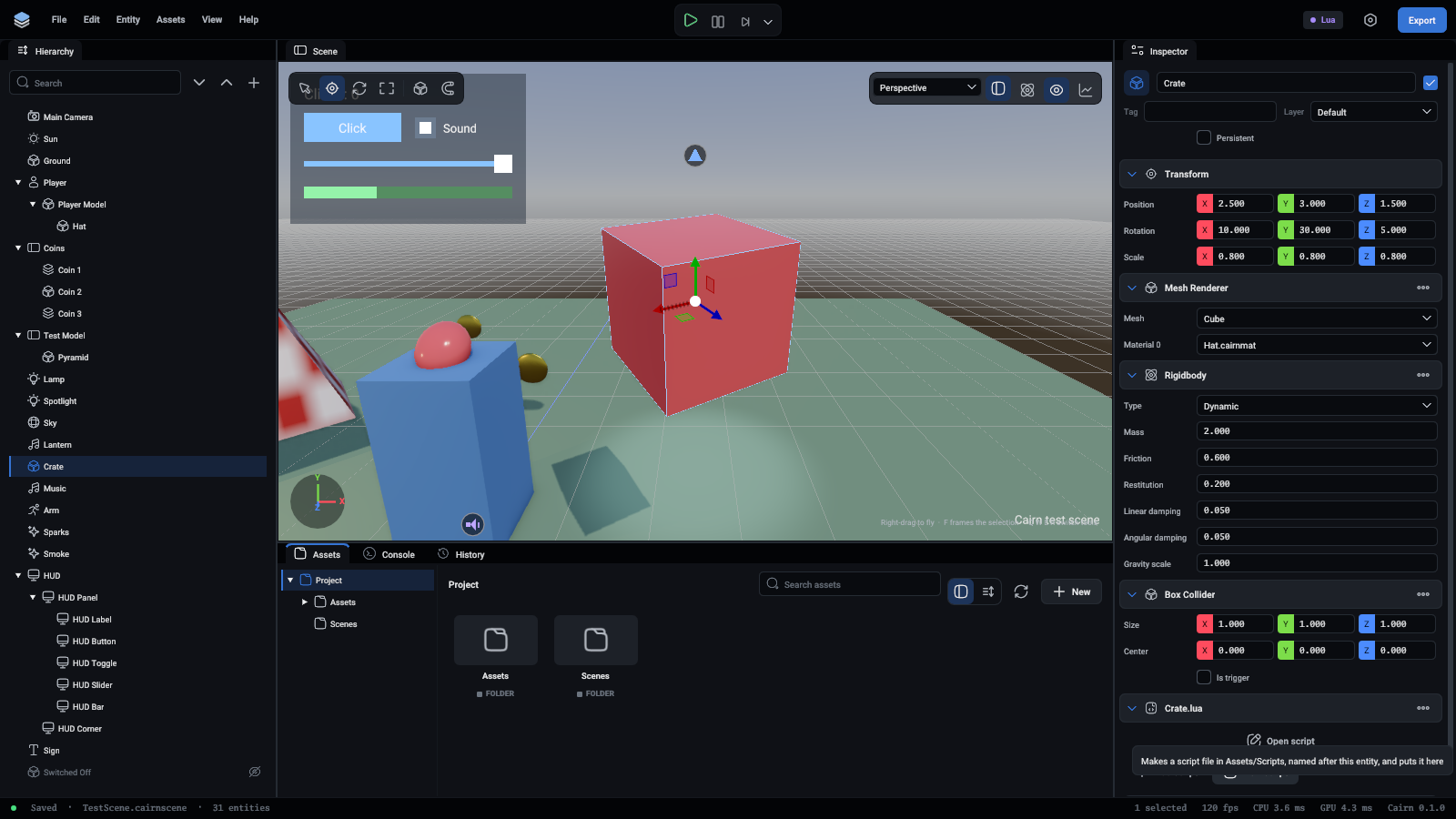
An entity with a collider and no rigidbody is a static body, which is all a wall or a floor needs. More in Rigid bodies.
Box, sphere and capsule colliders
The shape of a physics body, as a simple solid. Several colliders on one entity make one shape together. Sizes are in the entity's own units and follow its scale.
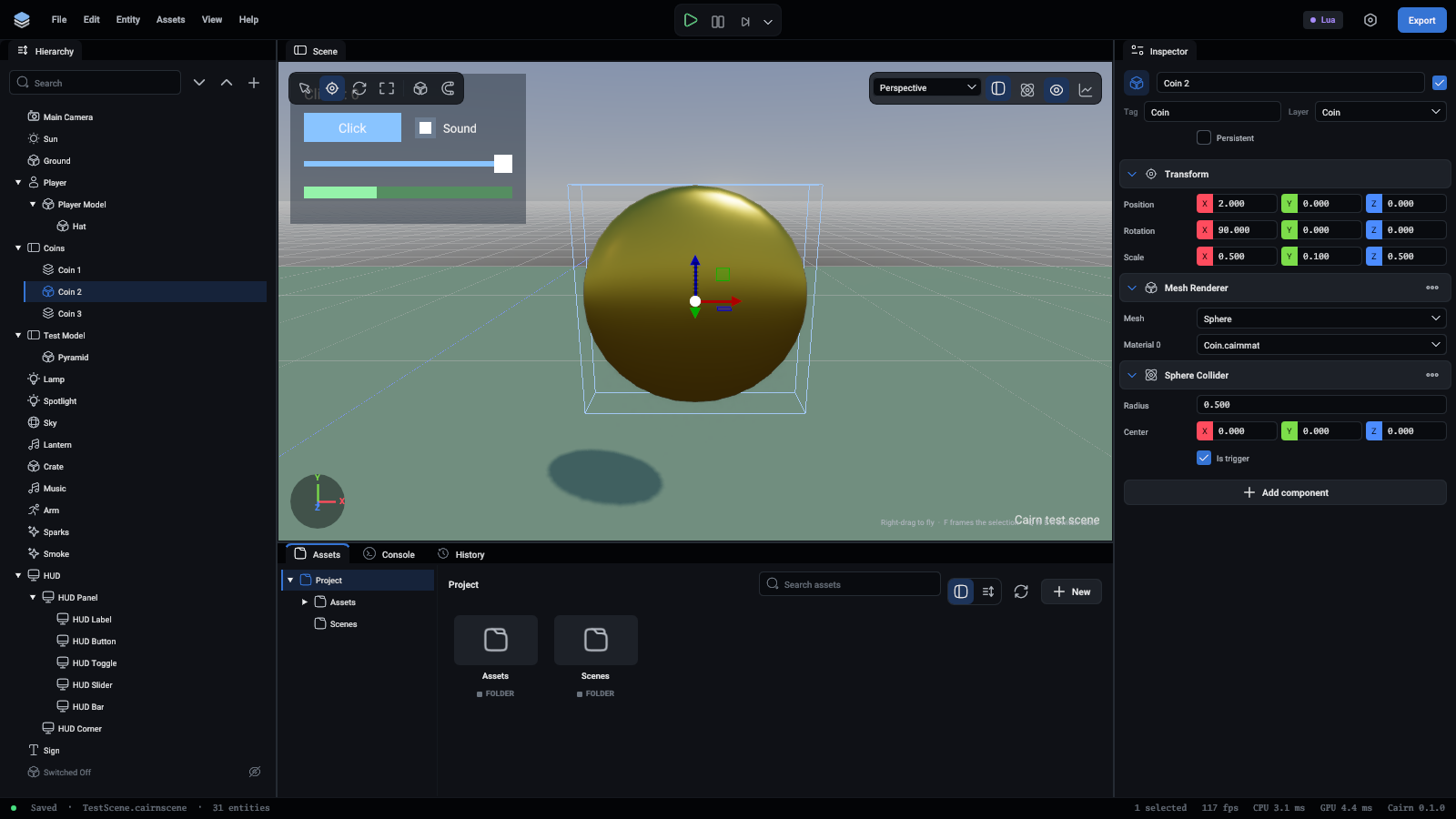
Switch on Colliders over the viewport to see every shape outlined.
Mesh collider
A collider with the shape of a mesh, for something a box or a sphere does not fit.
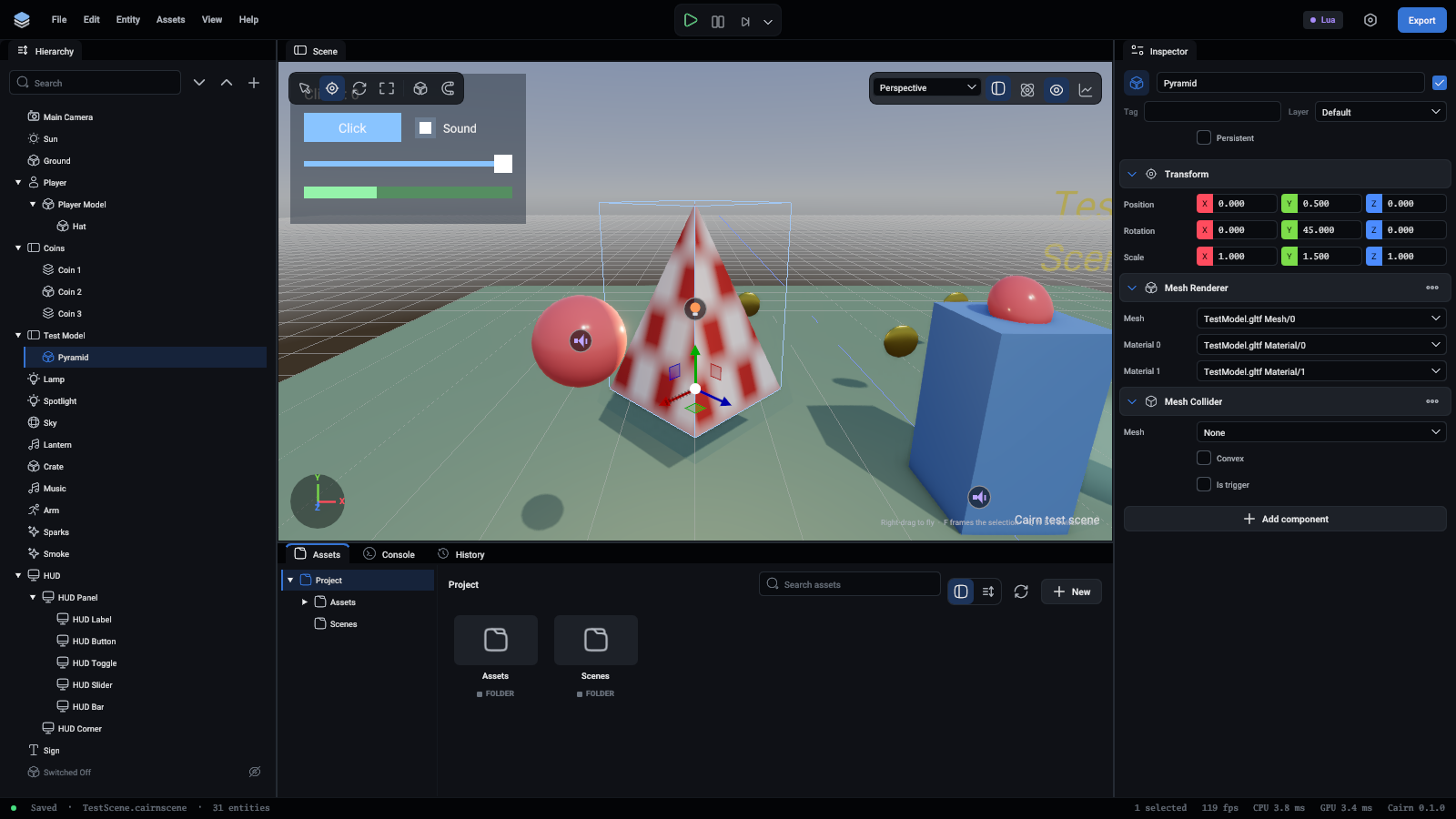
Not convex, it is the exact triangles, for level geometry that stays put. A body that moves gets the convex shape whatever this says.
Joint
Ties the entity's body to another body, or to the world. The entity needs a Rigidbody and a collider.
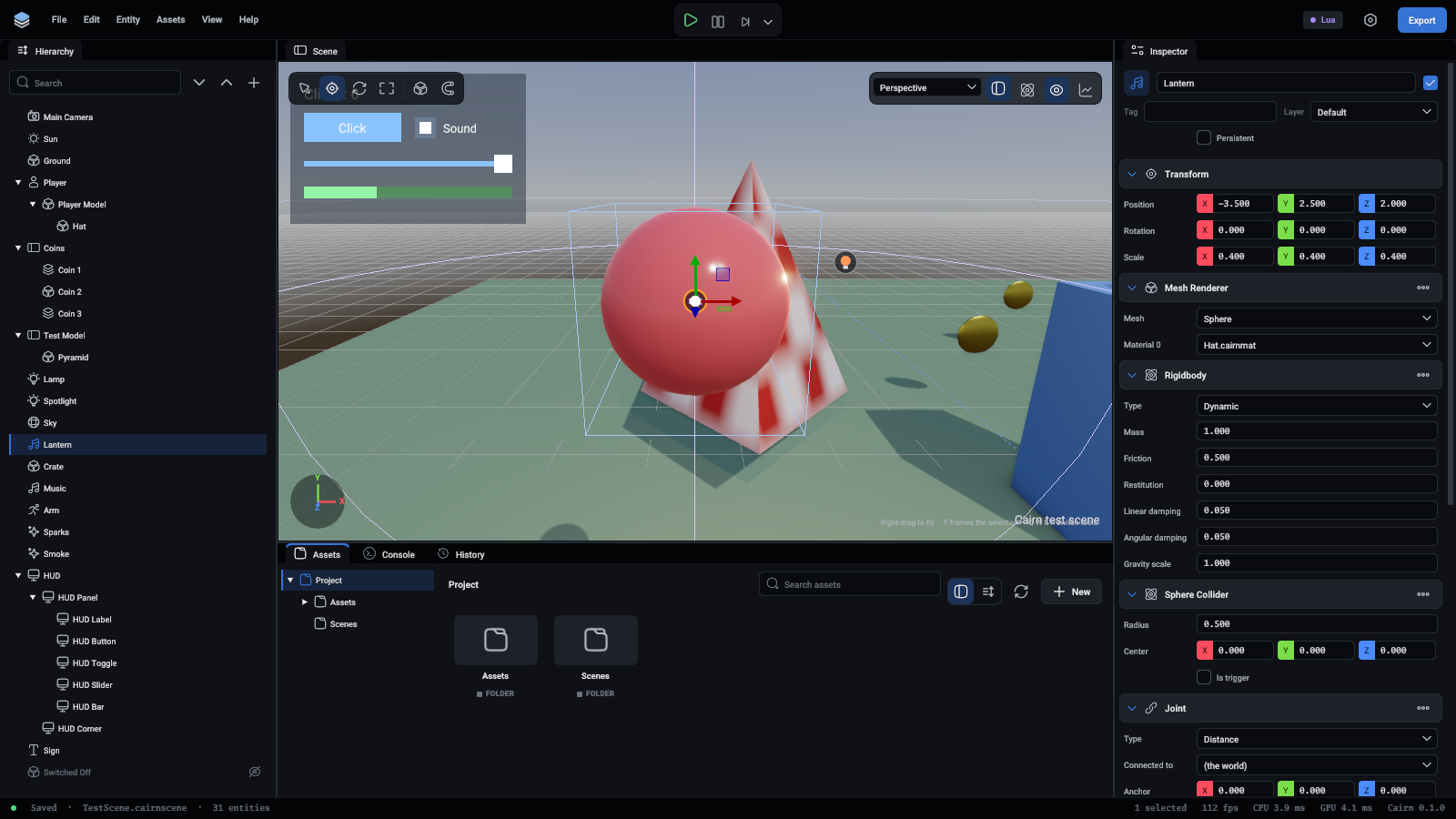
More in Physics.
Character controller
Makes the entity a game character: it walks along the ground, climbs steps and gentle slopes, slides along walls and never falls over. Scripts tell it which way to walk and when to jump. Its shape is an upright capsule, and colliders or a Rigidbody on the same entity are not used.
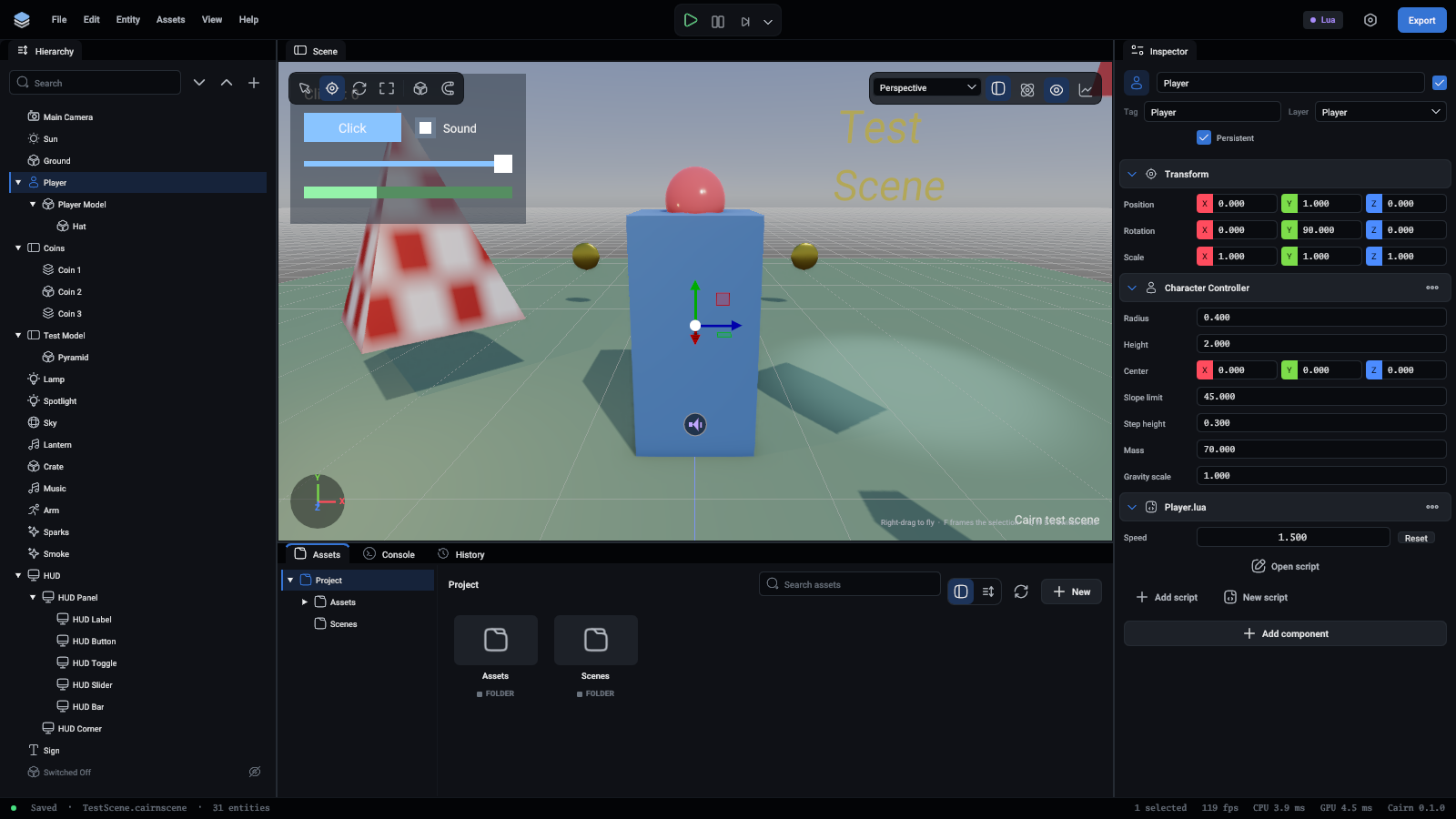
More in Physics.
Audio source
Plays a sound from where the entity is.
Audio listener
Where spatial sounds are heard from. Without one, it is the primary camera. With several, the first one that is Active listens. More in Audio.
Skinned mesh renderer
Draws a mesh that a skeleton bends, such as a character. Importing an animated model sets this up for you.
Animator
Moves a skinned mesh: through the states of an animator controller, or by playing one clip round and round.
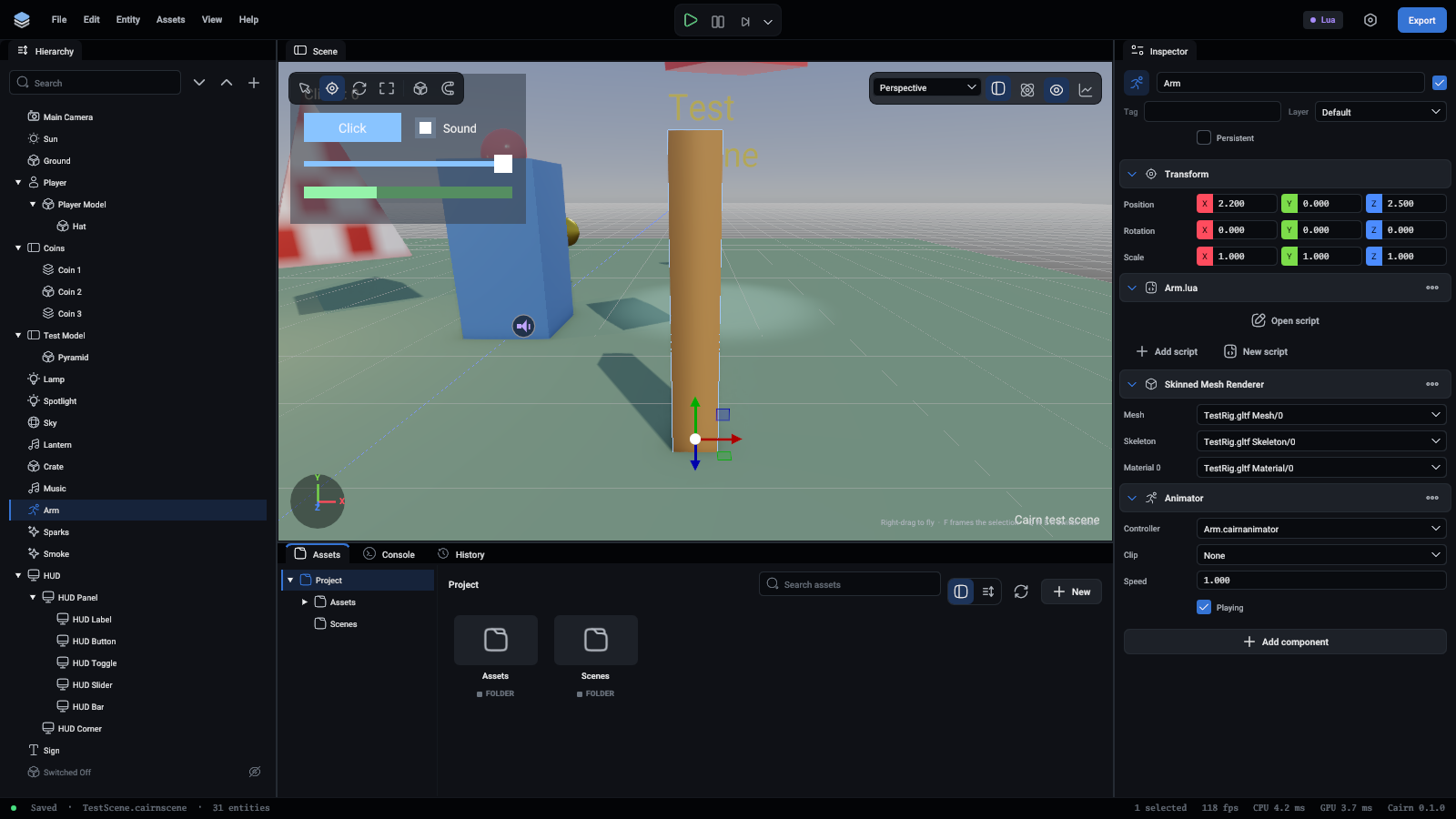
Animation plays in play mode only. More in Animation.
Particle system
Gives off small squares that face the camera, move, fade and die: sparks, smoke, dust, magic.
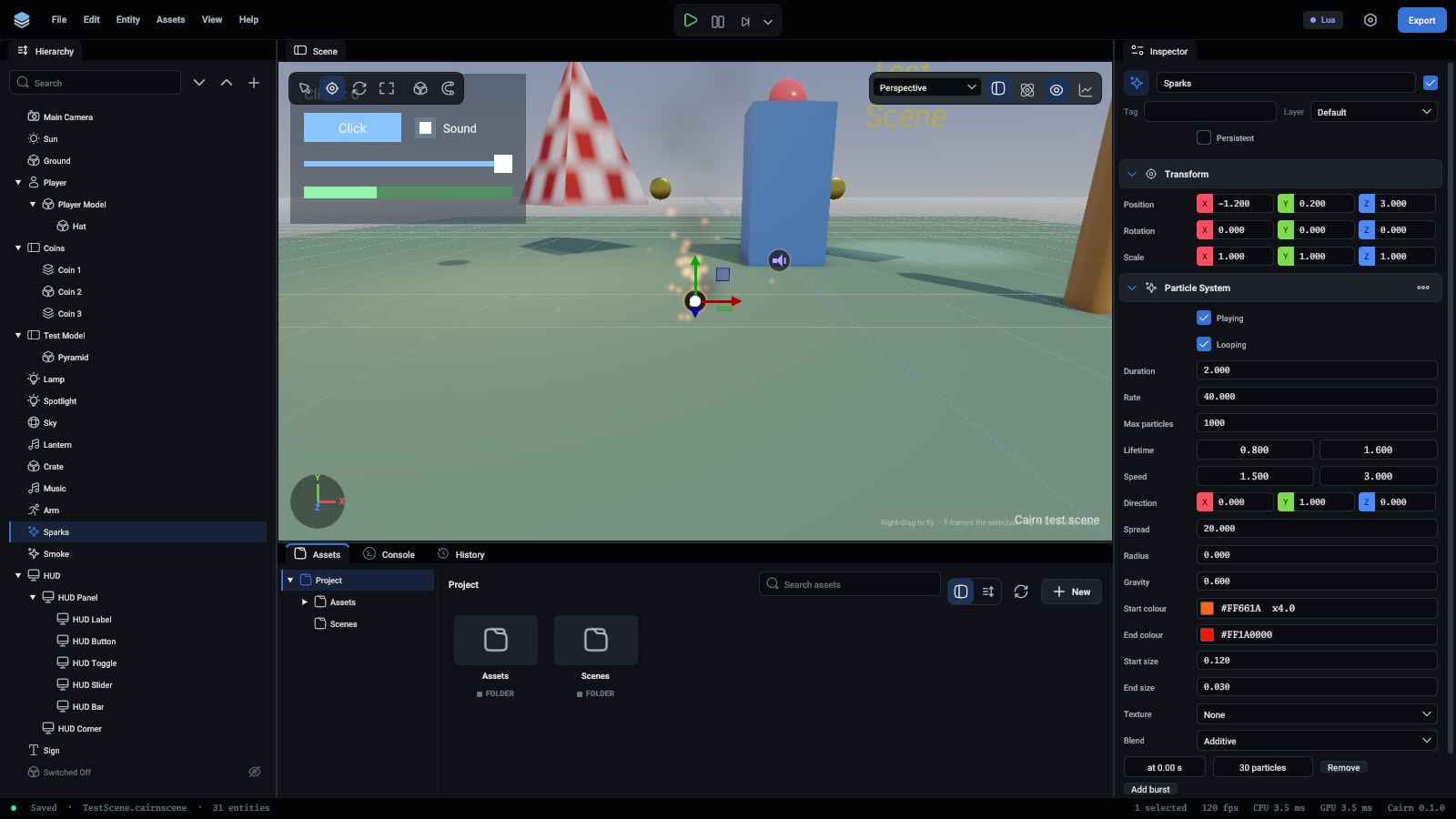
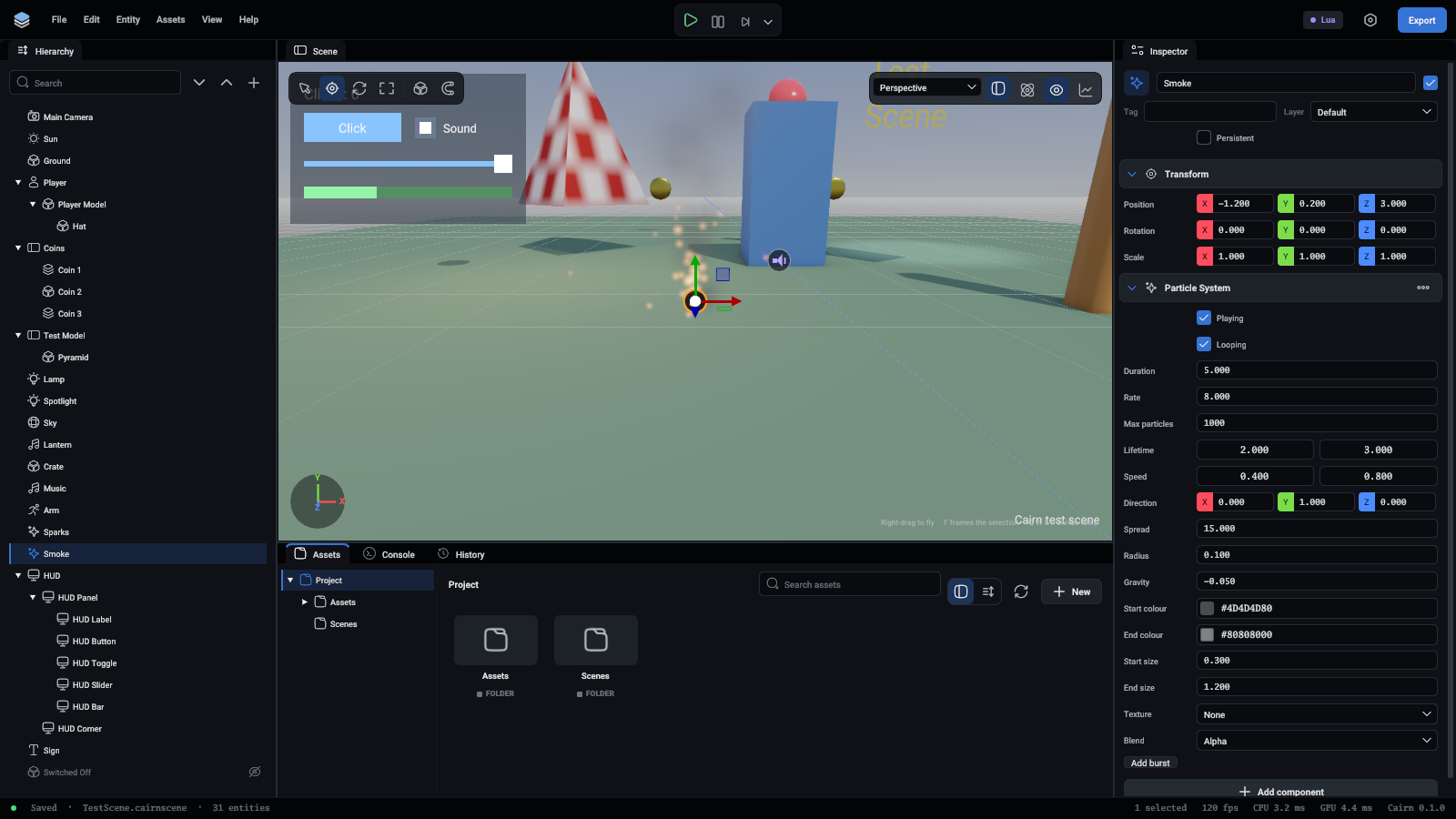
Particles move while you edit too, so you can tune a system by eye. More in Particles.
Text
Words in the world, on a flat sheet where the entity stands: a sign, a name over a head.
UI canvas
The top of a piece of screen UI: a menu, a HUD. The UI elements under it in the hierarchy are drawn over the game.
UI element
One piece of screen UI, placed inside its parent: the nearest UI element above it, or the canvas.
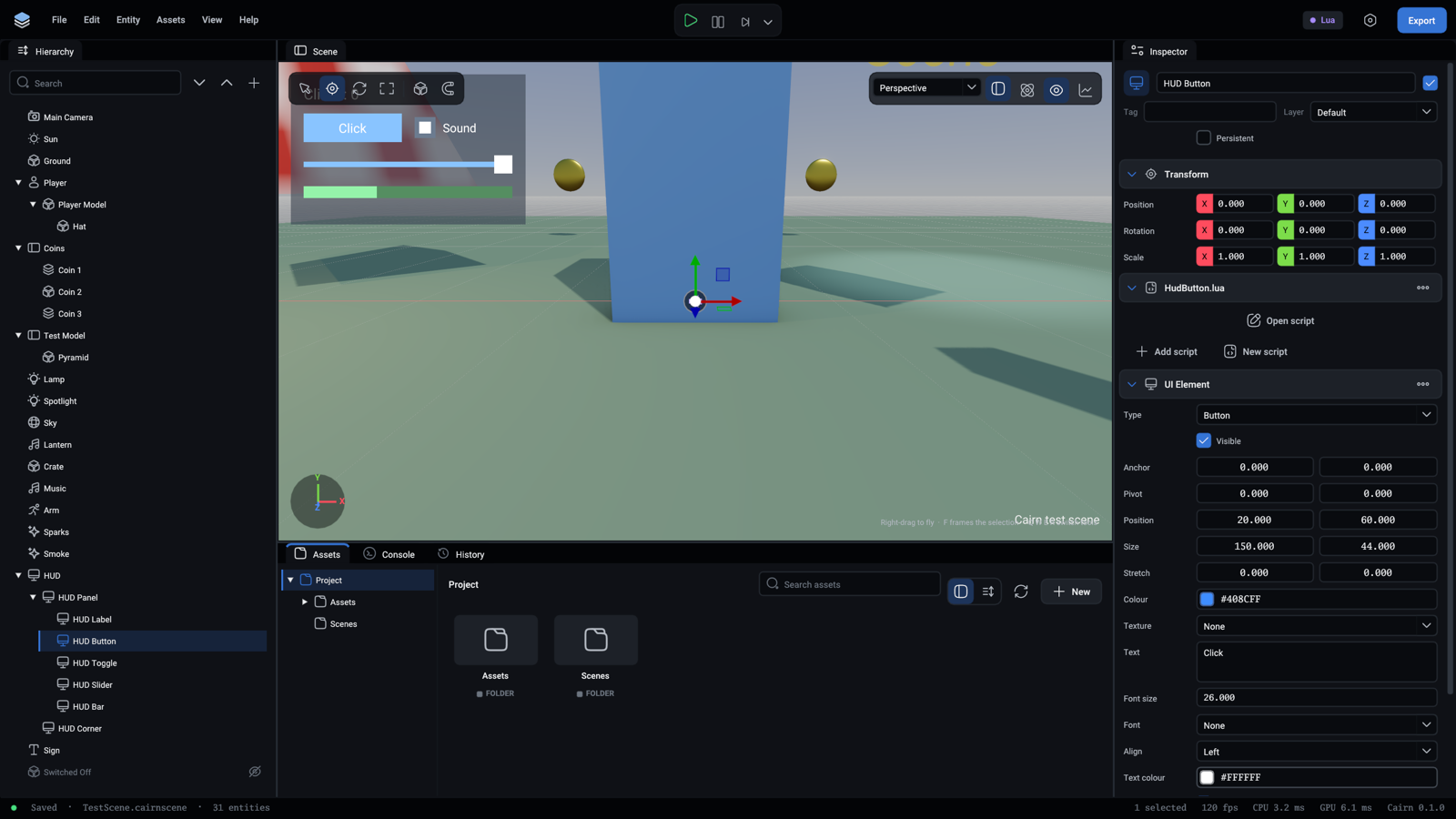
A script on the element hears about clicks through OnClick and OnValueChanged. More in UI.
Scripts
The Lua or TypeScript files that make the entity do things. An entity can have several, each a section of its own in the inspector with the fields its script exposes. See Inspector for the buttons, and Scripting for writing them.