
Prefabs
A prefab is an entity with its children, saved as a file and placed in scenes any number of times. Change the prefab and every copy follows.
Making and placing
To make one, right-click an entity in the hierarchy and choose Make Prefab. It is saved in Assets/Prefabs under the entity's name, and the entity becomes the first instance of it.
To place one, double-click it in the Assets panel, or drag it into the viewport.
From a script:
Overrides
An instance can differ from its prefab: another position, another colour, an extra component, a child deleted. Those differences are its overrides.
A scene file stores an instance as only what it changed:
So a later change to the prefab reaches every instance that did not change the same thing.
Apply, revert and unpack
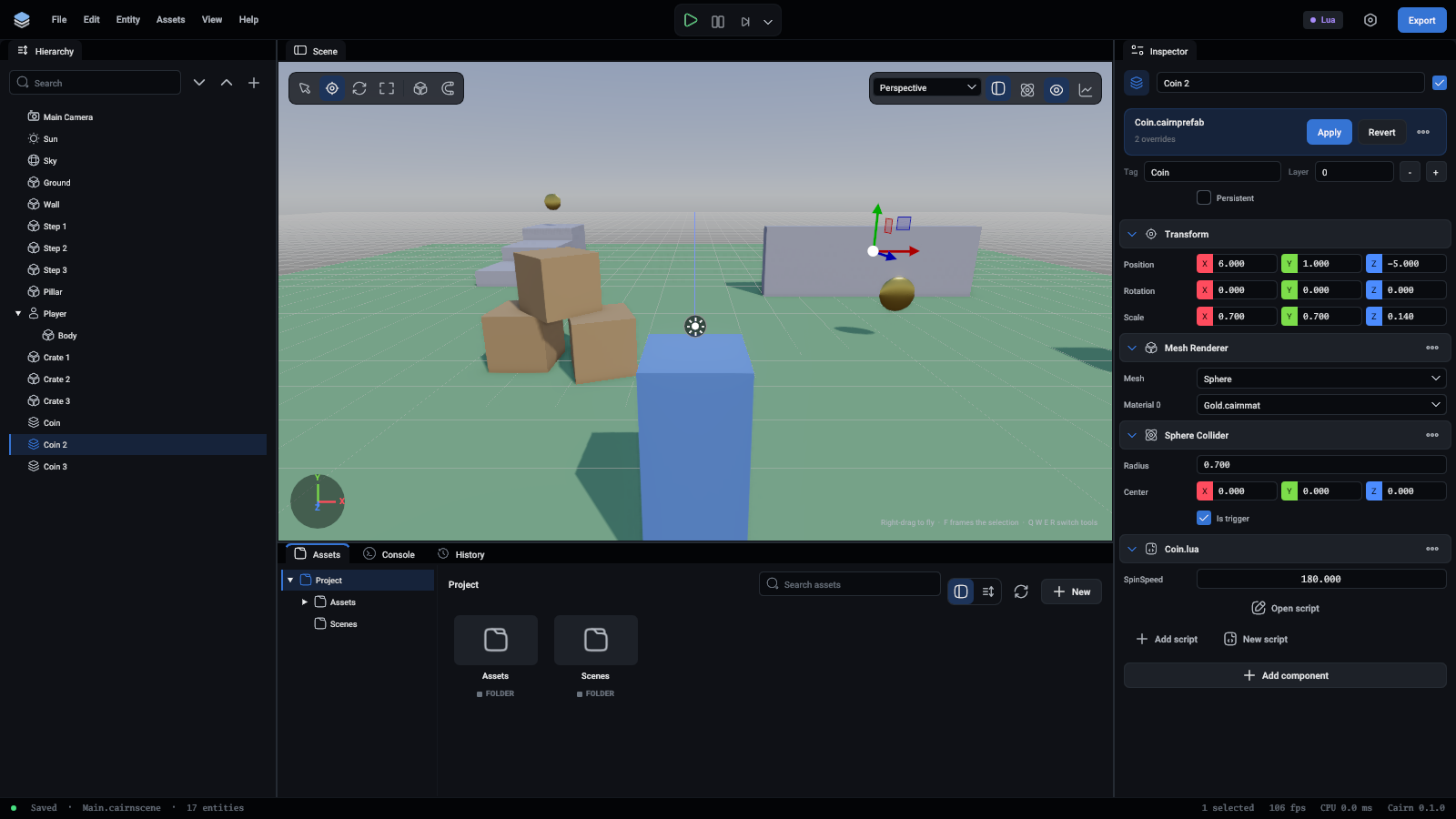
An instance shows a card under its name in the inspector: the prefab's file, how many things this instance changed (its overrides), and what can be done about them:
Apply is one undo step that puts back both the file and the scene.
An agent uses prefab.create, prefab.apply, prefab.revert and prefab.unpack, and prefab.overrides to list what an instance changed.
Nested prefabs
A prefab can contain instances of other prefabs. A prefab that contains itself is refused.
Good to know
- The instance's top entity always keeps its own position and rotation.
- A copy of a whole instance is another instance. A copy of part of one is ordinary entities.
- A scene with an instance of a prefab that cannot be read does not load. Nothing is half-read.