
Your first game
This tutorial builds a small third-person game from an empty project. It takes about an hour, and you need no experience with the engine.
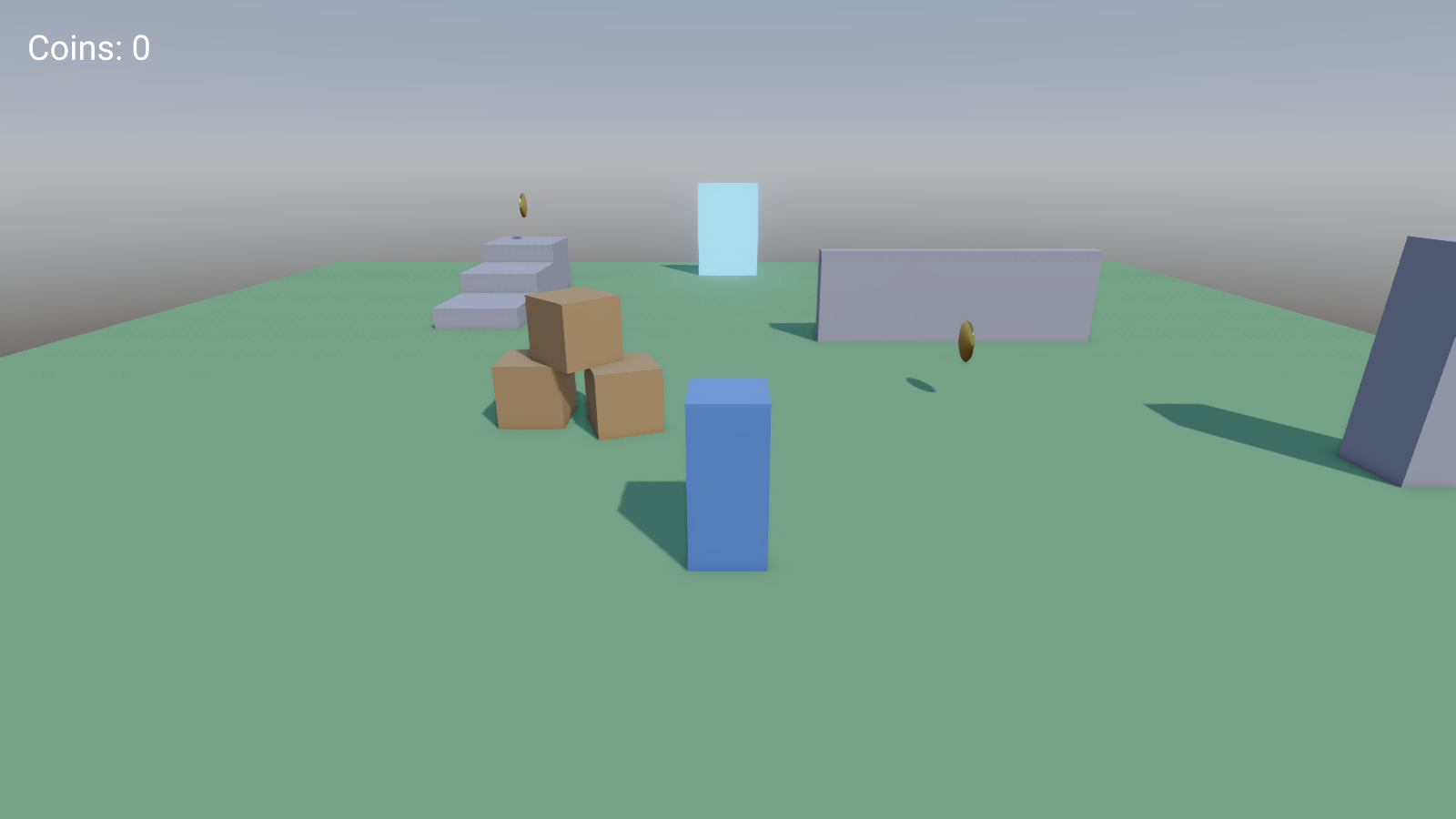
What you will build
A character walks, runs and jumps around a small level. A camera follows it and turns with the mouse. There are crates to push, coins to collect and a score on screen. When every coin is collected, a portal leads to a second level, and the score comes along.
What you will learn
Before you start
Install and build the engine, and read A first look at the editor so the panel names mean something.
You will write five short scripts. Each is shown in full and explained. If you have never written Lua, the tutorial still works: type what is shown, and read Learn Lua afterwards or alongside.
The tutorial works in TypeScript too. Make the project with TypeScript picked next to Scripts in, and pick the TypeScript tab on any script: every page follows. Script files then end in .ts where these pages say .lua, and self in the explanations is this. The finished game is the First game in TypeScript template. See TypeScript for what you need.
On macOS, read Cmd wherever a shortcut says Ctrl.
If you get stuck
The finished game comes with the editor. In the project hub, press New project and pick First game (the tutorial, finished). Open it next to your own and compare.
When a script fails, the reason is in the Console panel with the file and line. Double-click the line to open the script. Debugging has more.