Physics
Physics is Jolt. It runs at a fixed 60 steps per second of game time.
The tutorial's physics part is a gentler start than this page.
Bodies
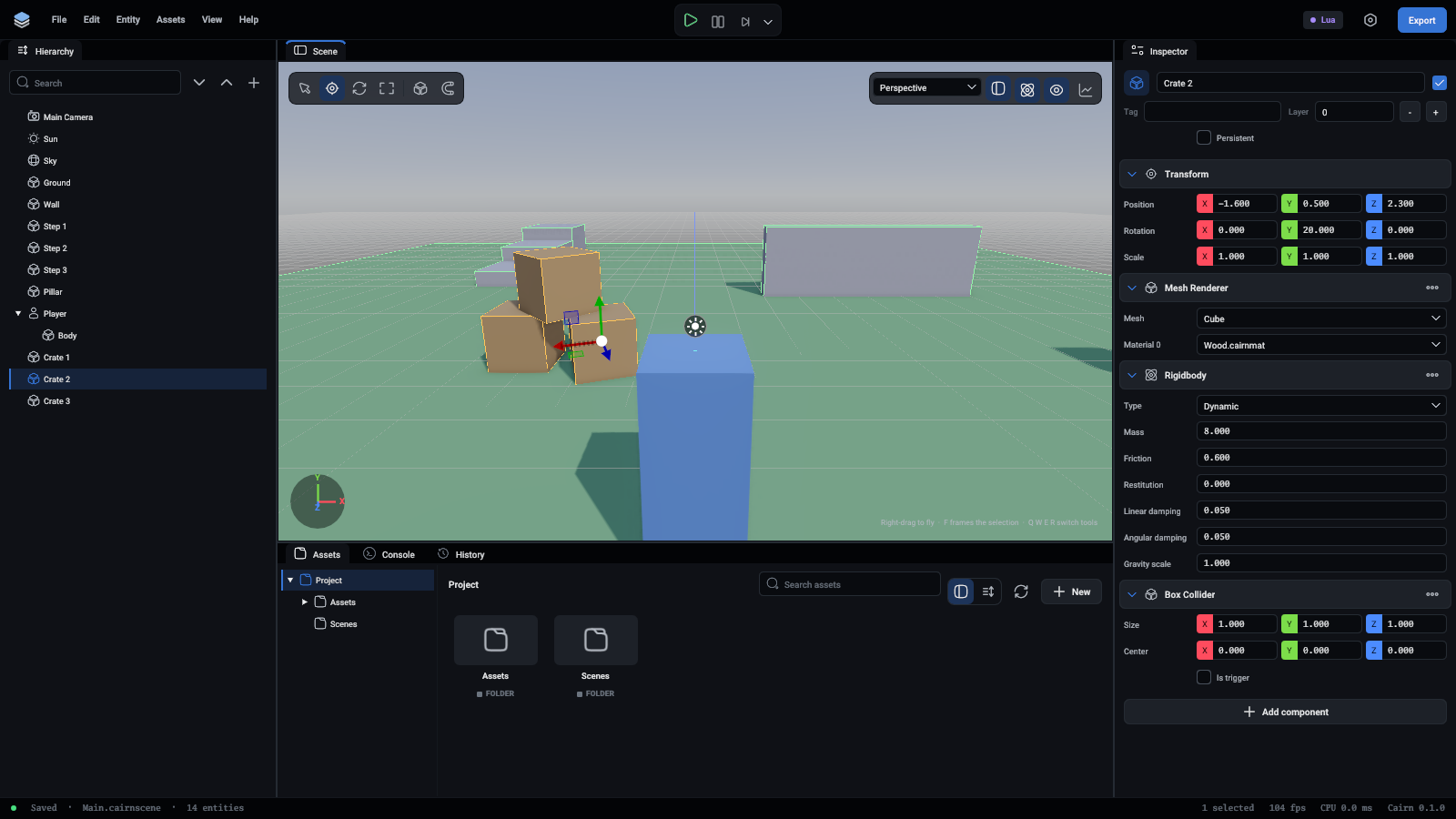
An entity with a collider is a body. What kind depends on its Rigidbody:
Colliders
BoxCollider, SphereCollider, CapsuleCollider and MeshCollider. Sizes follow the entity's scale. Several colliders on one entity make one compound shape.
A MeshCollider takes its shape from a mesh. With Convex on it is the mesh's hull, which is the only kind a moving body can have. With it off it is the exact triangles, for level geometry that stays put.
Tick Is Trigger on a collider to make it report what enters it and block nothing.
Collision callbacks
A script on a body hears about contacts:
function Crate:OnCollisionEnter(other, contact)
	Log.Info(self.Entity.Name .. " hit " .. other.Name)
end

function Coin:OnTriggerEnter(other)
	if other.Tag == "Player" then
		self.Entity:Destroy()
	end
end
// In a crate's script
export const Crate = DefineScript({
	OnCollisionEnter(other: Entity, contact: Contact) {
		Log.Info(`${this.Entity.Name} hit ${other.Name}`);
	},
});

// In a coin's script
export const Coin = DefineScript({
	OnTriggerEnter(other: Entity) {
		if (other.Tag === "Player") {
			this.Entity.Destroy();
		}
	},
});
There are Enter, Stay and Exit forms of both. Both entities are told.
Character controller
A CharacterController makes its entity a character: an upright capsule that walks up steps and slopes, slides along walls, pushes dynamic bodies and never falls over.
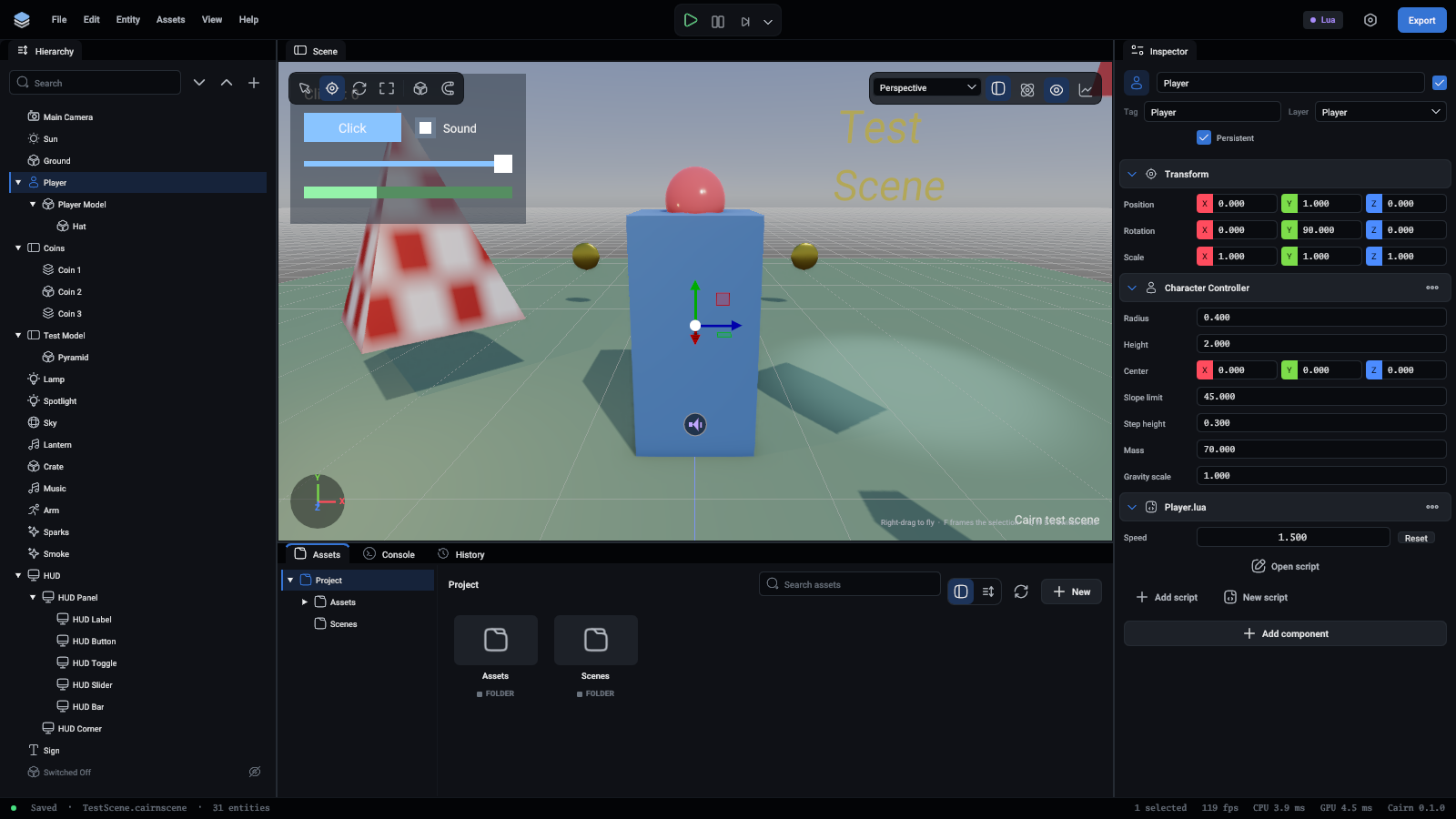
Every field is listed in Components.
function Player:OnStart()
	self.Controller = self.Entity.CharacterController
end

function Player:OnUpdate()
	local move = Vec3(Input.GetValue("MoveX"), 0, Input.GetValue("MoveZ"))
	self.Controller:Move(move * 5)
	self.Entity:Face(move)
	if Input.WasPressed("Jump") then
		self.Controller:Jump(6.5)
	end
end
export = DefineScript({
	OnUpdate() {
		const controller = this.Entity.CharacterController;
		if (!controller) {
			return;
		}
		const move = Vec3(Input.GetValue("MoveX"), 0, Input.GetValue("MoveZ"));
		controller.Move(move.mul(5));
		this.Entity.Face(move);
		if (Input.WasPressed("Jump")) {
			controller.Jump(6.5);
		}
	},
});
Move sets a walking speed that is kept until changed, so pass a zero vector to stop. Gravity is applied for you. Which way the character faces is up to the script.
Asking questions
-- What is under the player?
local hit = Physics.Raycast(self.Entity.Position, Vec3(0, -1, 0), 10, self.Entity)
if hit then
	Log.Info("Standing on " .. hit.Entity.Name .. ", " .. hit.Distance .. " below")
end

-- Everything within 5 units.
for _, entity in ipairs(Physics.OverlapSphere(self.Entity.Position, 5)) do
	Log.Info(entity.Name)
end
declare const entity: Entity;

// What is under the player?
const hit = Physics.Raycast(entity.Position, Vec3(0, -1, 0), 10, entity);
if (hit) {
	Log.Info(`Standing on ${hit.Entity.Name}, ${hit.Distance} below`);
}

// Everything within 5 units.
for (const other of Physics.OverlapSphere(entity.Position, 5)) {
	Log.Info(other.Name);
}
There are also SphereCast, BoxCast and OverlapBox.
Tip
A ray that starts inside a body hits that body at distance zero. When casting from an entity's own position, pass the entity as the last argument so the ray ignores it.
Forces and joints
Rigid bodies and joints covers pushing bodies with forces and impulses, bodies you move yourself, and tying bodies together.
Layers
An entity's layer, 0 to 31, is its collision layer. The project names the layers and lists the pairs that pass through each other:
{"command": "project.set_physics", "layers": ["Default", "Player", "Enemy"], "ignored_layer_pairs": [["Enemy", "Enemy"]], "gravity": [0, -9.81, 0]}
Rays and overlap queries hit every layer.
Seeing it
Turn on Colliders in the viewport toolbar to outline every collider, character and joint.
