
4. Physics
So far the level is solid and the player walks on it. In this part you add things that move by themselves: crates that fall, stack and get pushed.
Three kinds of body
Anything with a collider is a physics body. A Rigidbody component decides which kind.
The ground and the steps are static already. The player is a Character Controller, which is a kind of its own.
Add a crate
- Press + and Create Cube. Name it
Crate 1, and set its Position to-3, 0.5, 2. - Add a Box Collider.
- Add a Rigidbody. Set Type to Dynamic, Mass to
8and Friction to0.6. - Make a brown material called
Woodand put it on the crate.
Duplicate it twice with Ctrl+D and place the copies:
The third sits on top of the other two.
Press Play and walk into the stack. The crates slide and topple. Stop, and they are back where you put them: stopping the game restores the scene exactly as it was when you pressed Play.
See what physics sees
Press Colliders in the viewport's toolbar. Every collider is outlined: green for static bodies, orange for dynamic ones, cyan for the character.
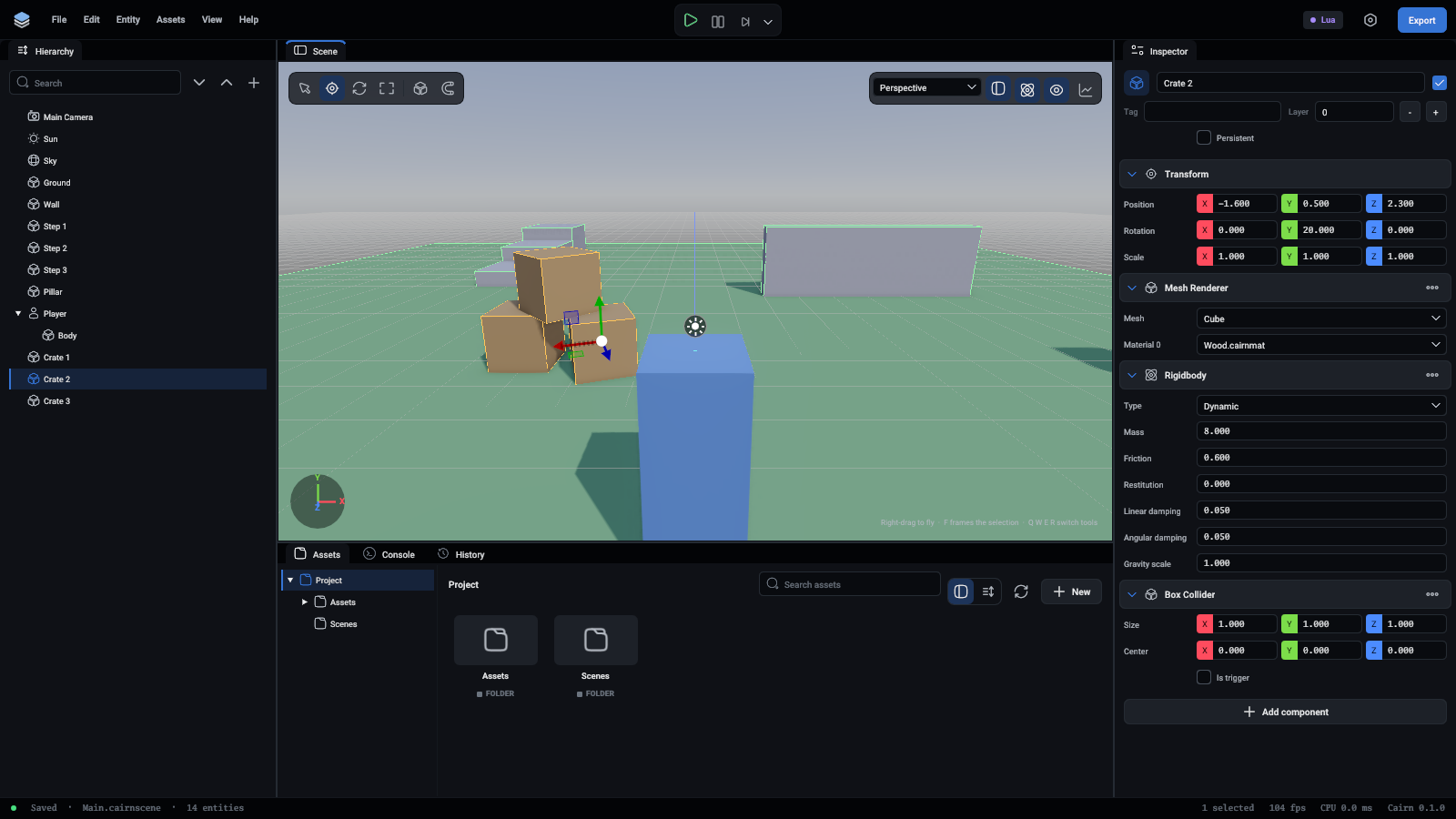
When something falls through the floor or floats above it, look here first. A box that is drawn but has no outline has no collider.
Tune it
Select a crate and try the Rigidbody's values. Press Play after each change.
- Mass is in kilograms. The character has a mass too (70 by default), and a heavier crate is harder to push. Try
80. - Friction is how much it grips: 0 is ice, 1 is rubber on concrete.
- Restitution is bounce: 0 lands dead, 1 bounces back to where it fell from. Lift a crate to height 5 and try
0.8.
Push from a script
You do not need a script to push crates, the character does that itself. A script can still move bodies when you want it to. This one kicks a crate upwards when the player touches it:
OnCollisionEnter is called on a script when its entity's body starts touching another. other is the other entity. An impulse is one sudden shove, and AddForce is a steady push for use in OnFixedUpdate.
This script is only an example. The game does not need it.
What you learned
- A collider gives an entity a shape, and a Rigidbody decides how it moves.
- Stopping the game puts the scene back.
- The Colliders button shows the physics shapes.
- Scripts hear about contacts through
OnCollisionEnter.
More in Physics and Rigid bodies and joints.
Next: coins and a score.