
Rendering
The renderer is a forward renderer on Vulkan. On macOS it runs through MoltenVK.
Materials
Materials are metallic-roughness PBR, with the same fields and meaning as glTF.
Each can have a texture: BaseColorTexture, MetallicRoughnessTexture, NormalTexture, OcclusionTexture and EmissiveTexture.
A material is a .cairnmat file, or a part of a model. Make one with New > Material in the Assets panel.
Click a material in the Assets panel and the inspector shows it, with a picture of it on a ball. Change a value and the picture, and everything in the scene that uses the material, follows. A material that is part of a model cannot be changed: make one of your own and use that.
An agent uses material.create, material.get and material.update.
Blend is drawn as opaque until the sorted transparency pass exists.
Lights
Directional, point and spot lights. A frame draws up to 16 of them. See Lights for each kind and its settings.
Shadows
- The first directional light with Cast Shadows on gets four cascades of 2048 pixels over 80 units.
- Point and spot lights with Cast Shadows on share twelve shadow maps of 1024 pixels. A spot light uses one and a point light six, so two point lights, or twelve spot lights, or a mix.
Lights past those limits still light the scene. They cast no shadow, and the console says so.
Sky and image-based lighting
A Sky component names an equirectangular .hdr image. It is drawn as the background, and it lights the scene: soft light from every direction, and reflections that blur with roughness.
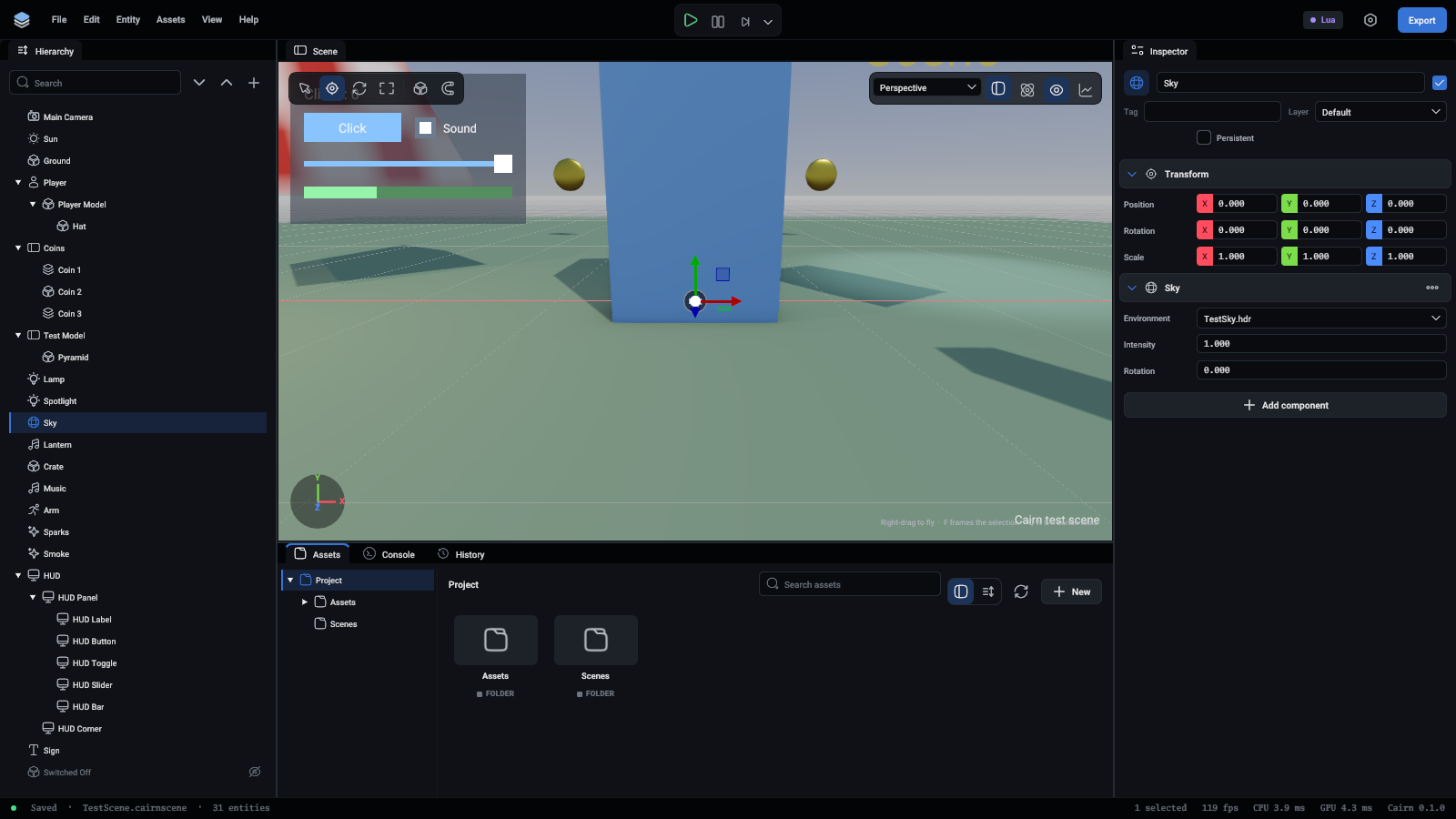
Free HDR skies from Poly Haven work as they are.
Post-processing
Each scene has render settings:
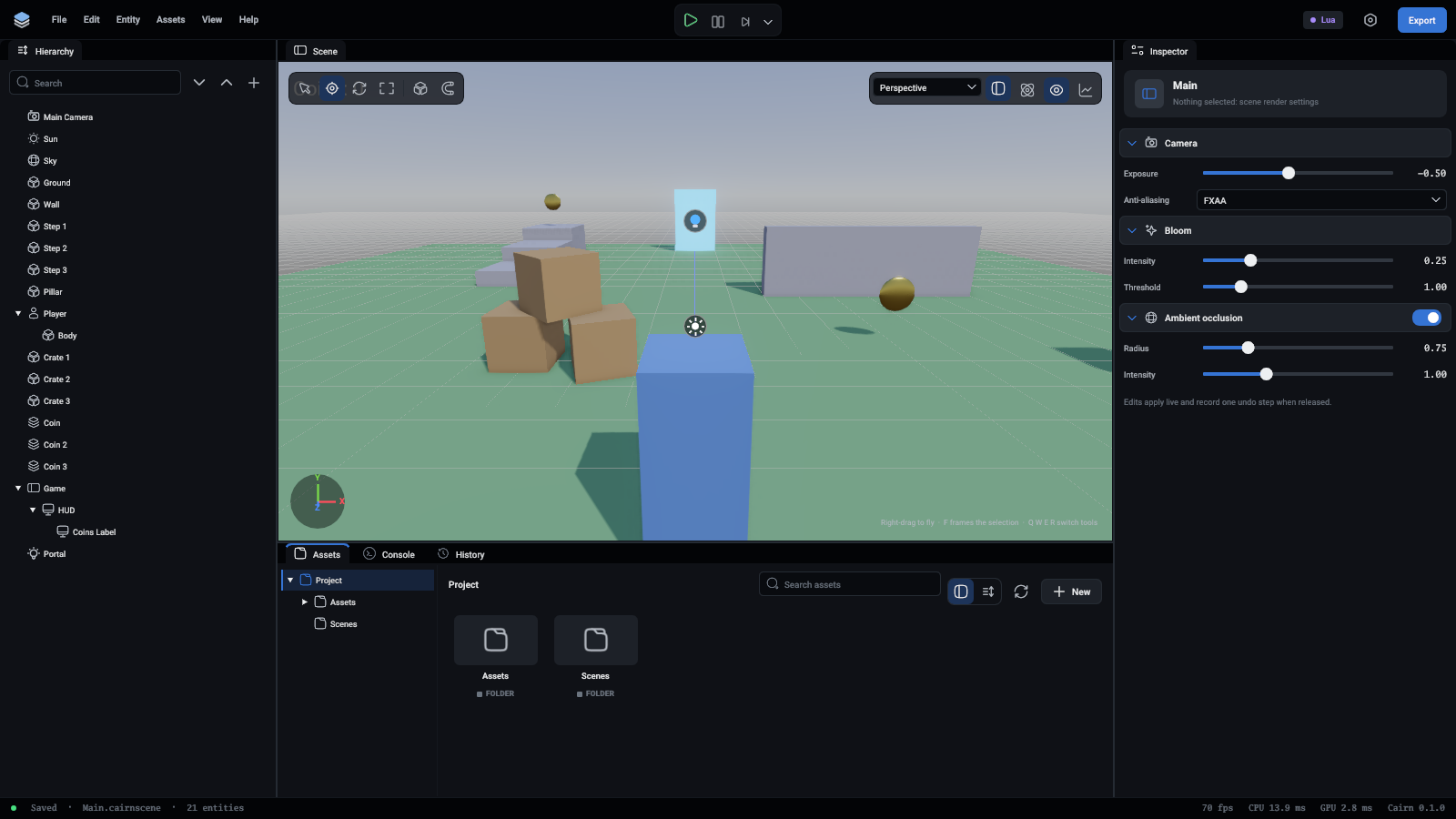
Lighting is computed in HDR and tonemapped with ACES.
Change them with the scene.settings command:
Models
Models are glTF 2.0, as .gltf or .glb. Drag a model into the viewport to add its whole node tree to the scene.
Not there yet
Sorted transparency, frustum culling, instancing, level of detail and fog.