
UI and text
Screen UI
Screen UI is made of entities. A UICanvas is the top of a piece of UI, and the UIElement entities under it in the hierarchy are laid out over the view.
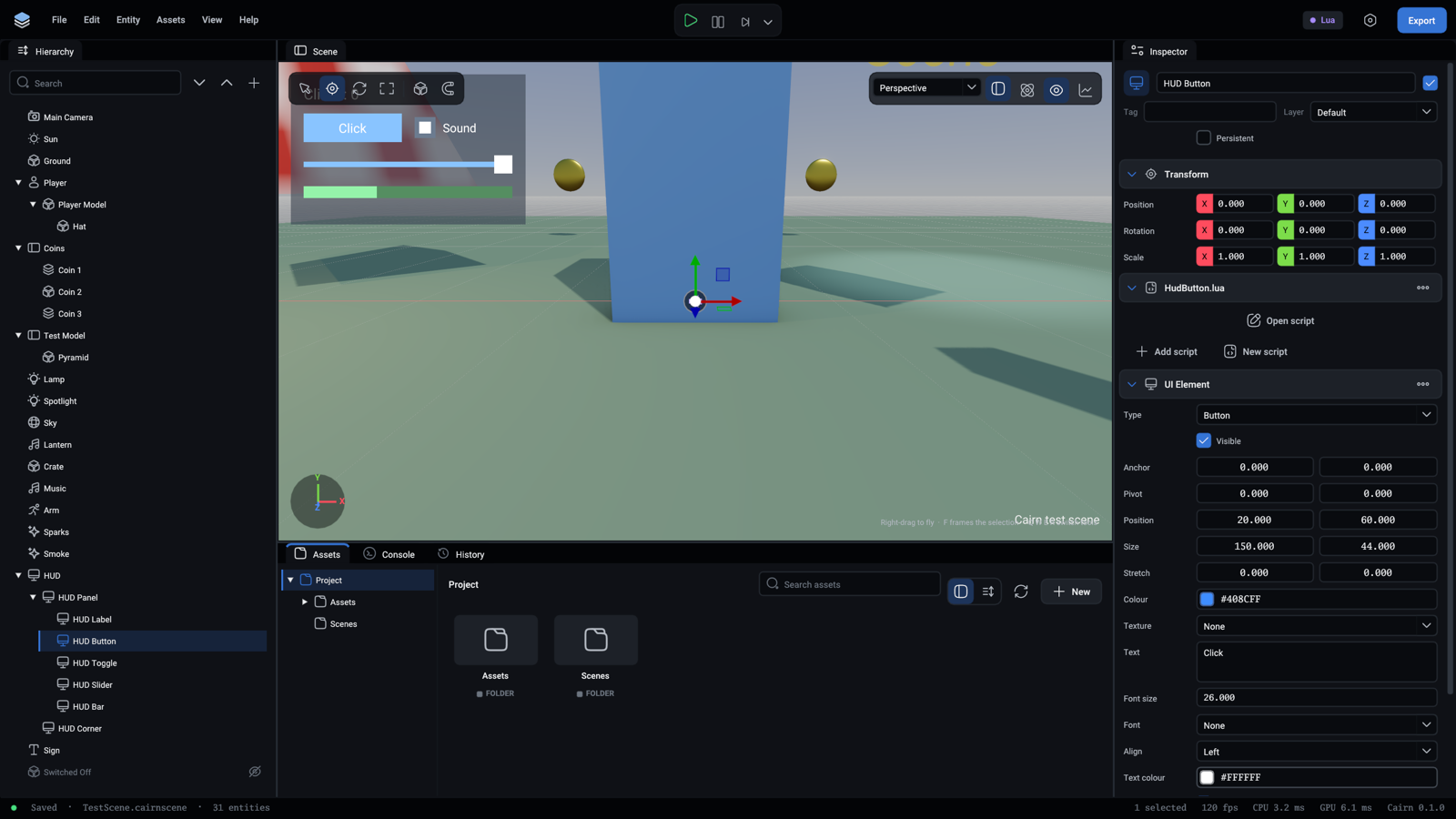
Every field is listed in Components.
An element's Type is one of:
Layout
Sizes are in the canvas's reference units (1280 by 720 unless changed), which scale evenly to fit the real view.
An element is placed inside its parent by five things:
To put something in the bottom right corner with a margin, use anchor (1, 1), pivot (1, 1) and position (-20, -20).
Reacting to the player
A script on the element's entity hears what happens to it:
The functions are OnClick, OnValueChanged, OnHoverEnter and OnHoverExit.
The arrow keys and a gamepad's D-pad move between controls. Enter, Space and the gamepad's A press one. Call element:Focus() on a menu's first button when it opens.
Changing it from a script
Text in the world
A Text component is words on a flat sheet where the entity is, for signs and names over heads. Turn on FaceCamera to keep it readable from any side.
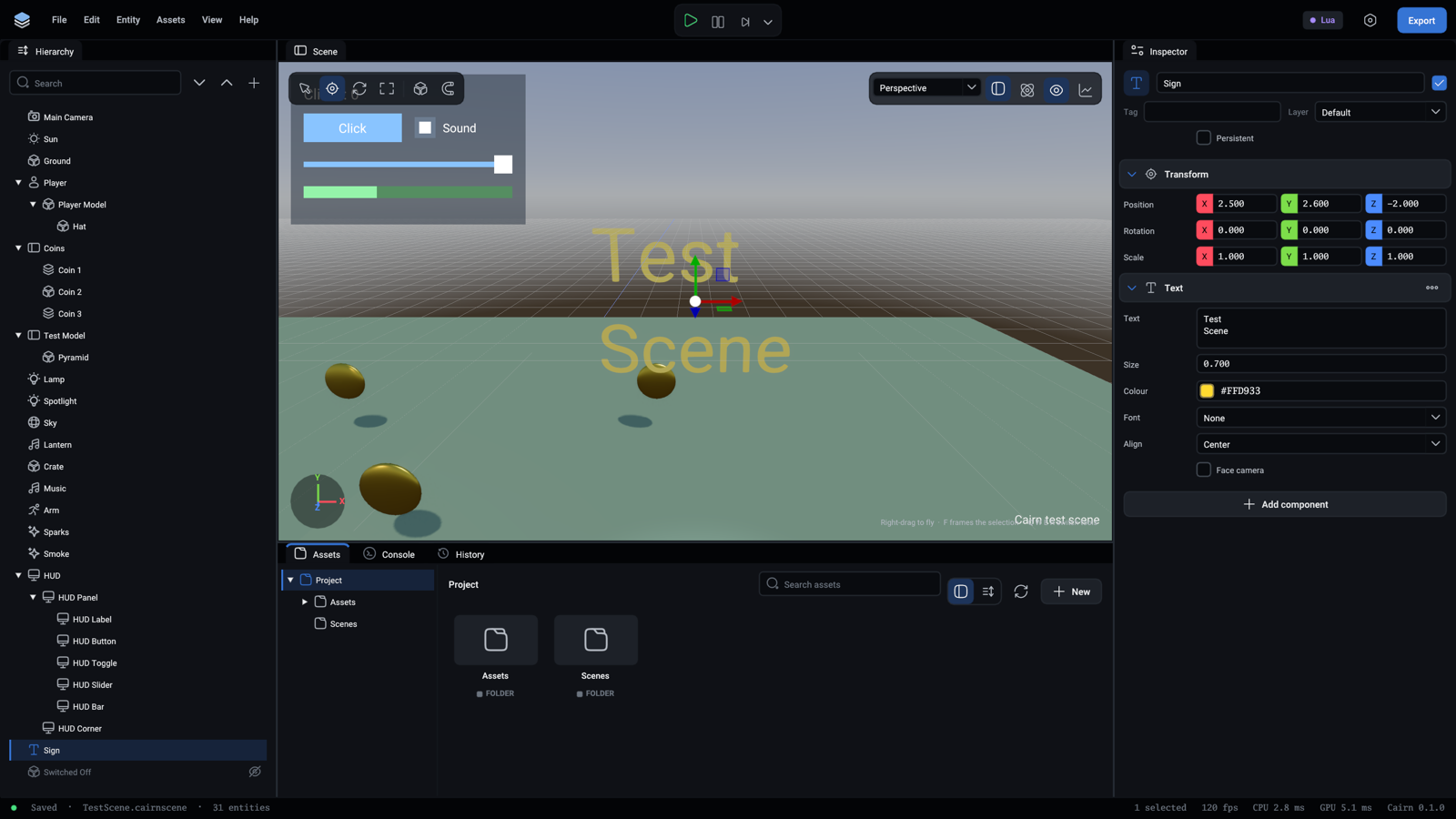
Every field is listed in Components.
Fonts
The built-in font is Roboto. A .ttf file in the project is a font asset that a UIElement or a Text can use.
Not there yet
Clipping, scrolling and text input.