
Animation
Skinned meshes
A glTF model's skins come in as skeletons and its animations as clips. Both are parts of the model, named like Hero.gltf#Skeleton/0 and Hero.gltf#Animation/1.
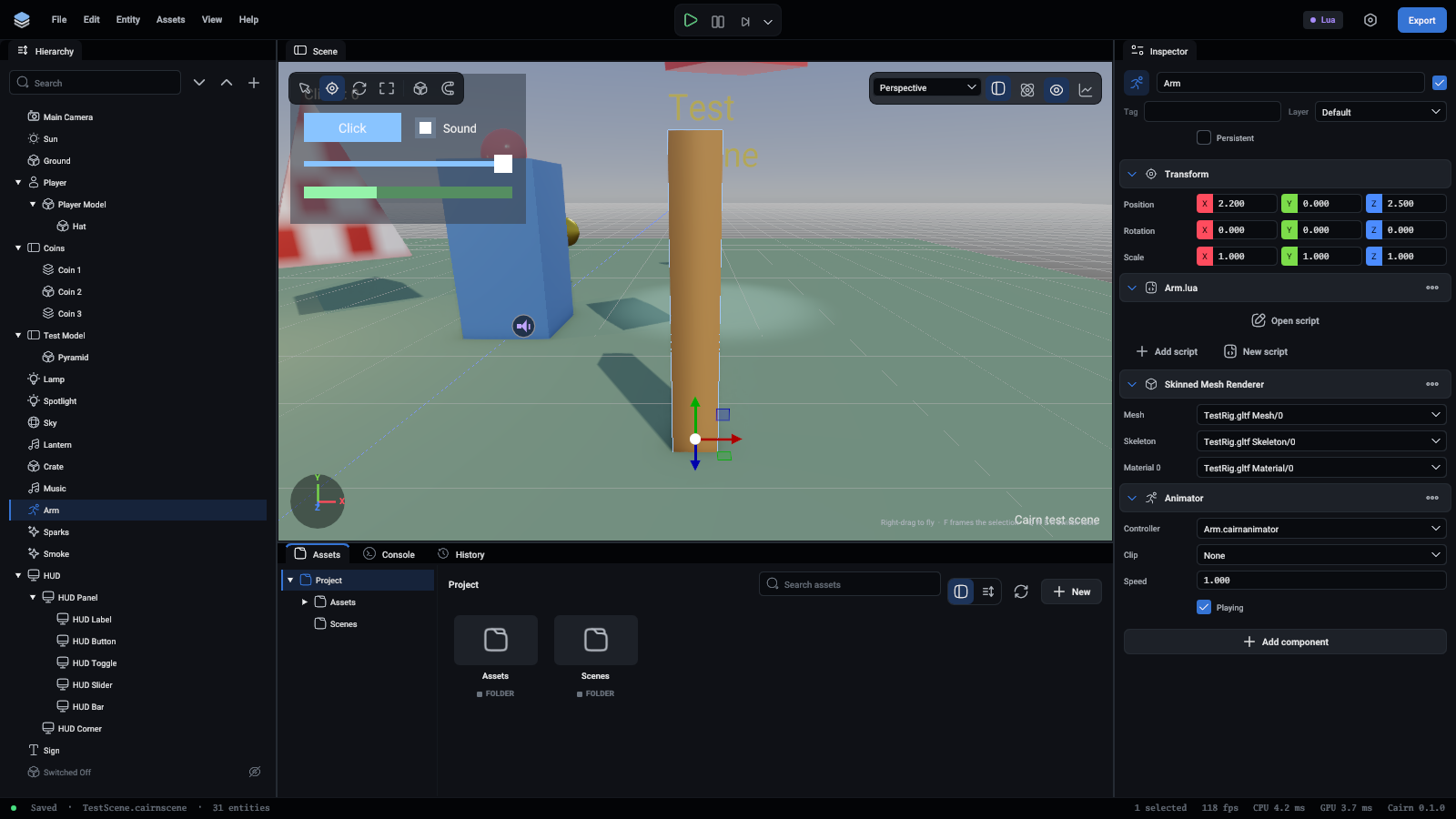
Every field is listed in Components.
Dragging an animated model into the scene sets up a SkinnedMeshRenderer and an Animator on the right entity.
Playing one clip
With no controller, an Animator loops its Clip. That is enough for a spinning fan or an idle character.
Animator controllers
A controller is a .cairnanimator file: parameters, states that each play a clip, and transitions between them. Write one with the animator.write command:
It is shown on several lines here to be readable. In a command file it is one line.
- Transitions are tried in the order listed, and the first whose condition holds is taken.
"From": "Any"leaves any state."AtEnd": truewaits for the clip to finish.Fadeis the time, in seconds, to blend from the present pose.- An event calls a function by name on the entity's scripts when playback passes its time.
Then set it as the Controller of an Animator component. The file formats page shows the file it writes.
Driving it from a script
animator:Play("Jump", 0.1) goes to a state at once, whatever the transitions say.
Tweens
For motion that needs no skeleton, a tween takes a value to a target over time:
It works on an entity's Position, Rotation and Scale, and on any number or Vec3 of a component.
Good to know
- Animation plays in play mode and in the game. While editing, a mesh is shown as modelled.
- Skinning is done on the CPU, which suits a handful of characters. Crowds would need it moved to the GPU.