
Play mode
Play mode runs the game inside the editor, on the scene you are editing. The game can also play in a window of its own, or on the whole screen: see Outside the editor.
Controls
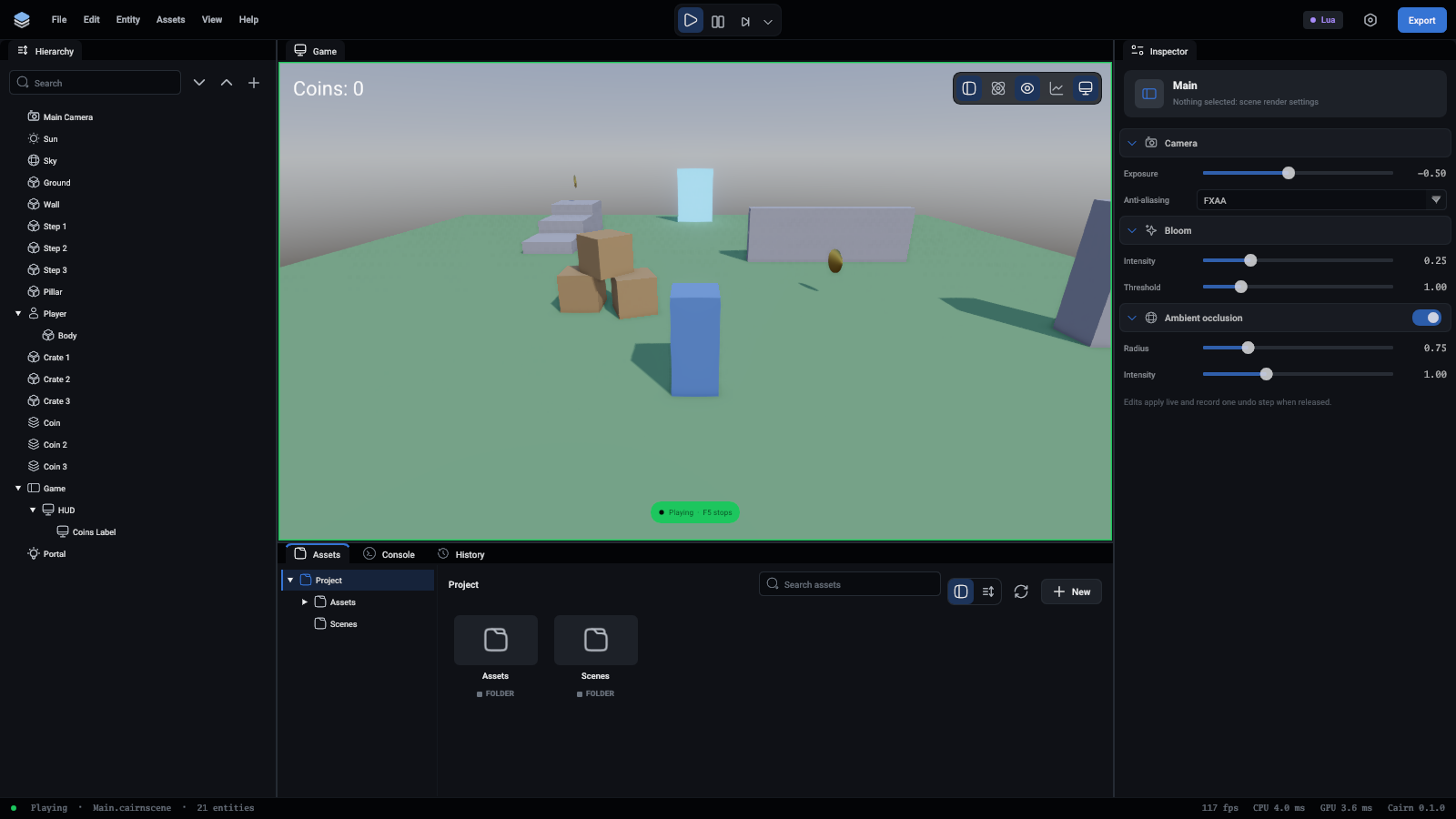
F5 starts and stops the game, and F6 pauses it. The three buttons in the middle of the top bar do the same:
While the game plays the viewport's tab reads Game, its picture has a green edge (yellow while paused), and a tag at the bottom says Playing or Paused. The Game camera button, at the right of the viewport's view options, is lit while the viewport looks through the scene's camera. Switch it off to fly round the running game.
While the game plays it has the keyboard and mouse. A paused or stopped game leaves them to the editor.
The console clears itself when the game starts, unless Clear on play is switched off in its toolbar.
Outside the editor
The arrow after Step offers two more ways to play:
- Play in a window opens the game in a window of its own, as a player would see it, at 1280 by 720.
- Play full screen opens it on the whole screen.
Either way it is the runtime program, the same one an export ships, playing the scene that is open, unsaved changes included. While it runs the play button is lit, and pressing it closes the game. Starting it again closes the one before. On macOS, Cmd+Q also closes it.
The scene goes to the game as a copy in the project's hidden folder, .cairn/Playing.cairnscene, so your scene file is not touched. Nothing the game does comes back to the editor.
What stopping does
Stopping restores the scene, byte for byte, from a snapshot taken when you pressed play. Nothing a script did survives.
That also means the scene cannot be edited, saved or undone during play mode. Stop first.
Hot reload
The editor checks script files twice a second. When one changes:
- outside play mode, the inspector shows its new fields
- in play mode, each running copy keeps its values and gets the new functions
A script that no longer loads keeps running its old code, and the error is in the console.
The same as the real game
Play mode uses the same code as the runtime, at the same fixed 60 physics steps per second, so a game behaves the same in both.
Saved games made in play mode go to the same folder the exported game would use.