
Lights
There are three kinds of light, each a component. A light shines along its entity's -Z axis, so turning the entity aims it.
Each has an icon in the viewport, in the light's own colour. Select it to see how far it reaches.
Directional light
Light from far away, such as the sun. Every ray is parallel, so where the entity is does not matter, only which way it is turned.
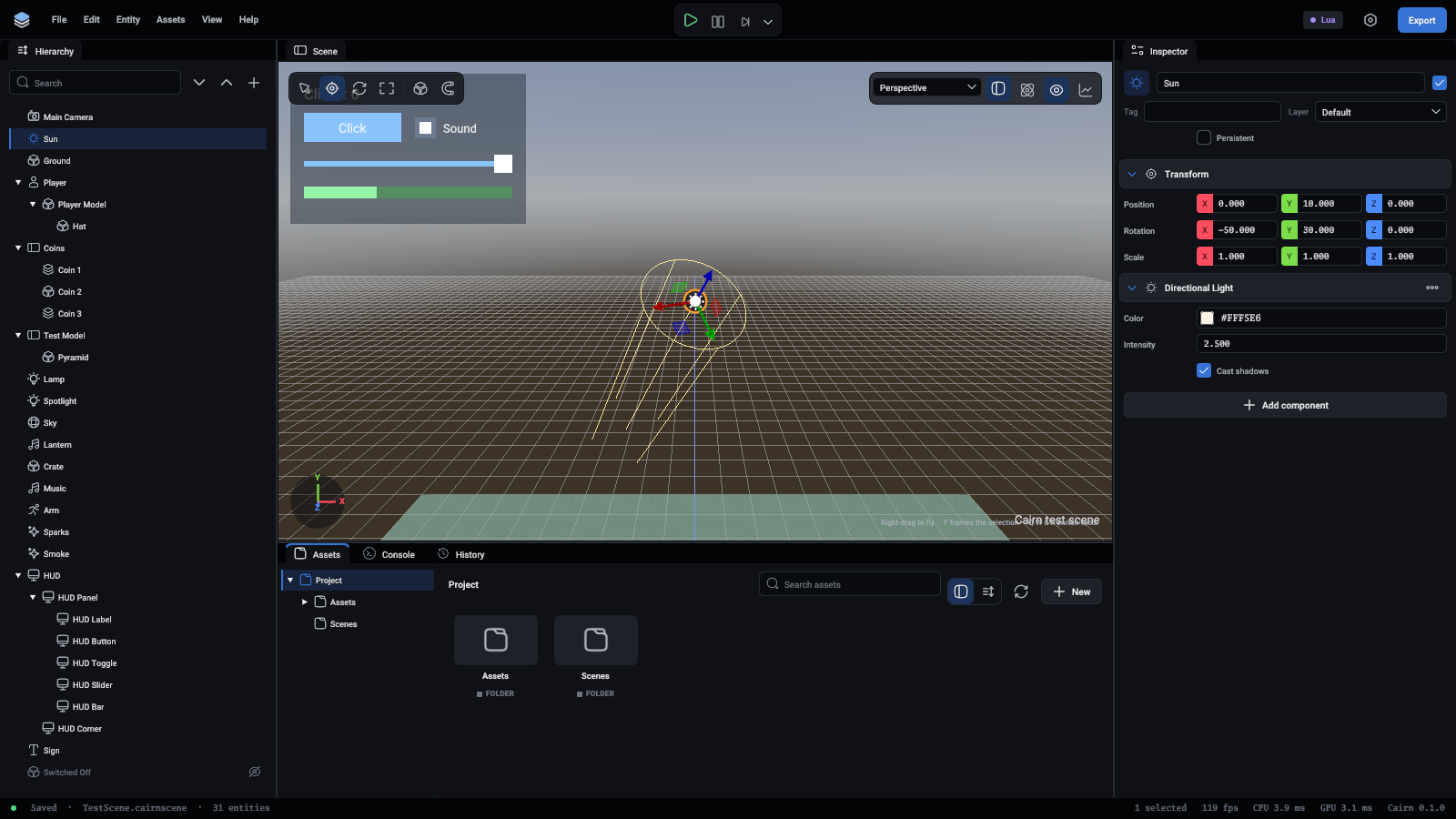
A rotation of about (-50, 30, 0) gives a mid-morning sun.
Point light
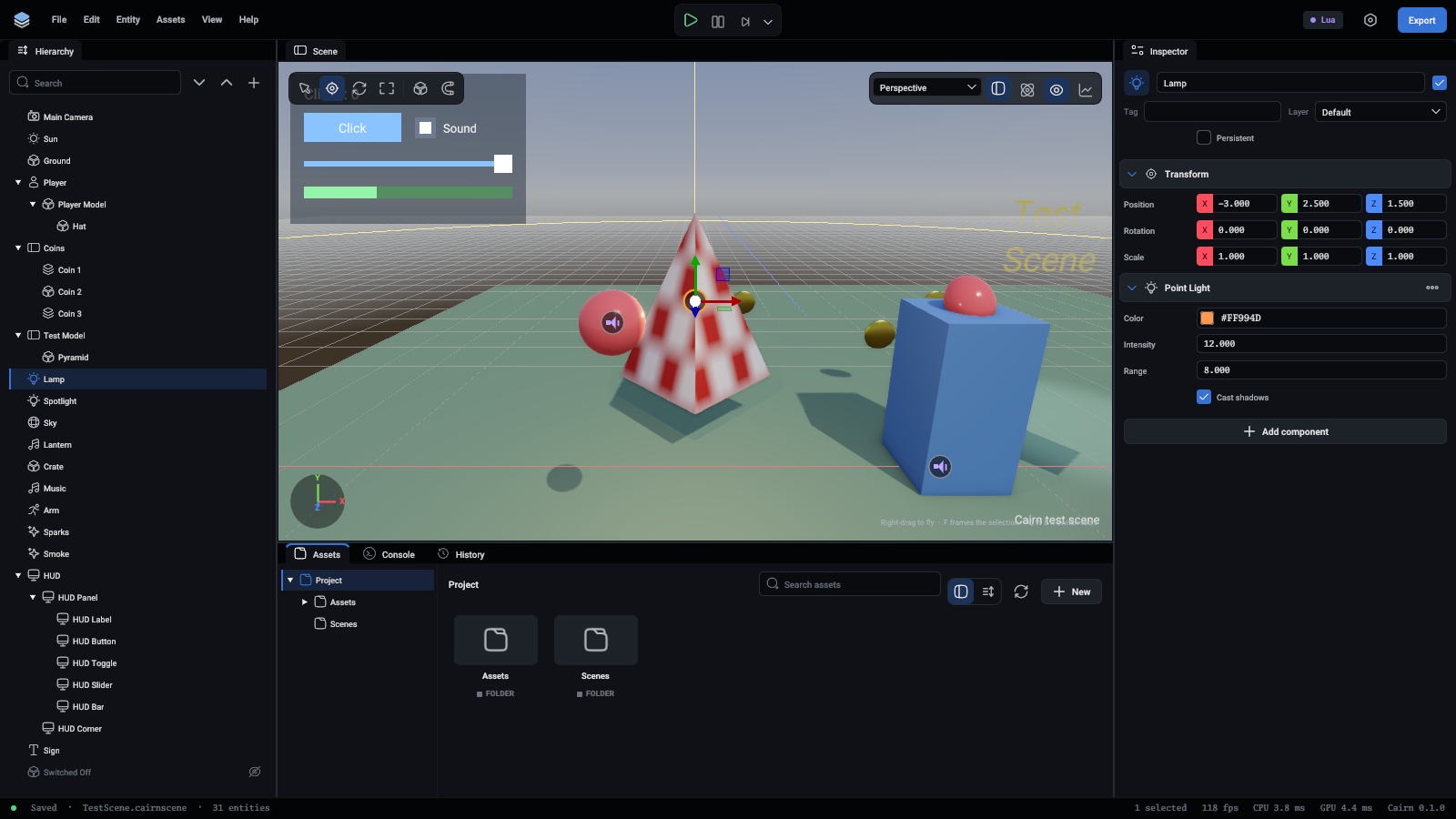
Light in every direction from where the entity is: a bulb, a torch, a fire.
Spot light
A cone of light: a lamp, a headlight, a stage light.
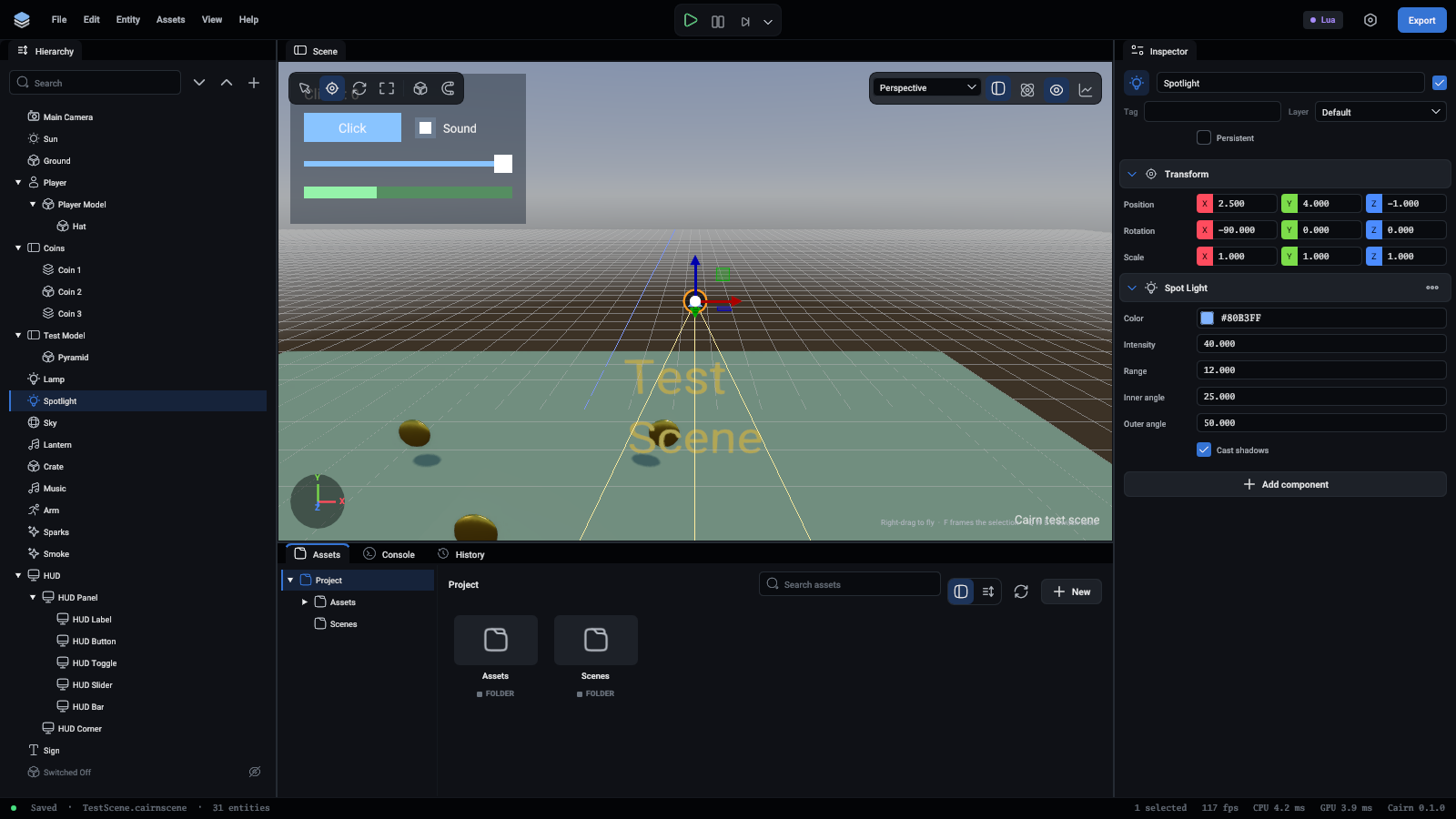
A small gap between the two angles gives a hard edge, and a large one a soft edge.
Intensity is not in physical units
Intensity multiplies the light directly. Start with 3 for a sun and 5 to 40 for point and spot lights, depending on their range, and adjust by eye. The scene's Exposure then brightens or darkens the whole picture.
Limits
- A frame draws up to 16 lights. Any more are skipped, and the console says so.
- Only the first directional light with shadows on casts them.
- Point and spot lights share twelve shadow maps: one a spot light, six a point light. So two point lights, or twelve spot lights, or a mix. Lights past that still light the scene and cast no shadow.
Shadows are the expensive part. Give them to the lights where they are noticed.
Light from the sky
A Sky component lights the scene from every direction with an HDR image, which fills in what the lights above leave dark. See Rendering.