
Introduction
Cairn is a 3D game engine for Windows, macOS and Linux. It is written in C++20 and draws with Vulkan.
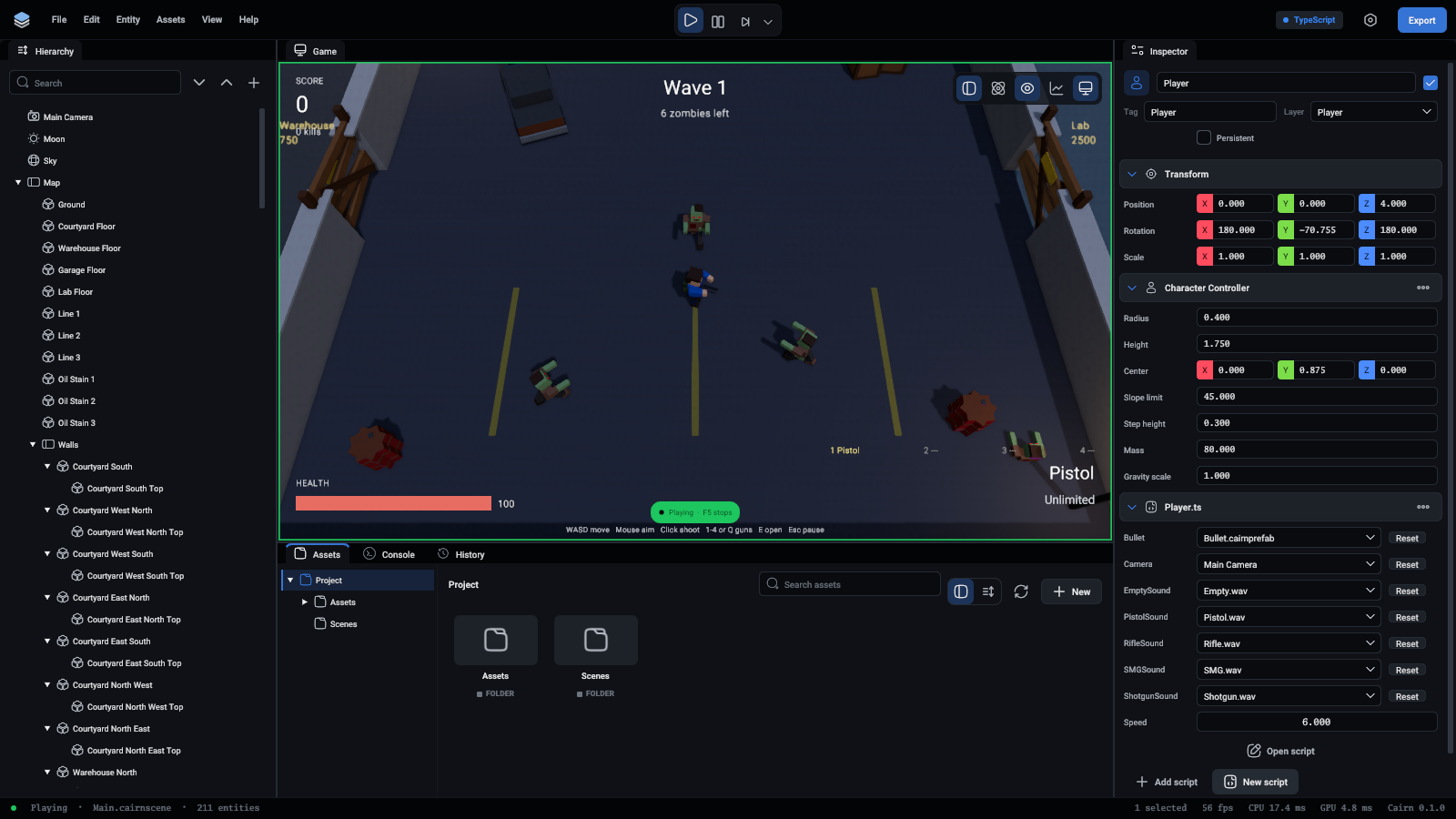
What you get
- An editor with a viewport, a hierarchy, an inspector, an asset browser and a console.
- A runtime that plays a project without the editor, and an export step that packs a project into a standalone game.
- Lua 5.4 or TypeScript for game logic, with hot reload. TypeScript is compiled to Lua, so the game runs the same either way.
- A command interface that lets a program, or an AI agent, do everything the editor does.
How a project is put together
A project is a folder. It holds a project file (.cairnproject), scenes (.cairnscene), and assets such as models, textures, materials, scripts and sounds.
A scene is a list of entities. An entity has a name, a transform and a parent, and gains behaviour from components: a MeshRenderer draws it, a Rigidbody makes it fall, a script makes it do whatever you write.
Every file the editor saves is plain text (YAML), so projects work well with version control.
Status
Everything is built and tested on macOS on Apple Silicon. The code is written for Windows and Linux as well, but it has not been built or run there yet.
Some features are not there yet: sorted transparency, frustum culling, instancing, level of detail, fog and asynchronous asset loading.
Where to go next
- Install and build the engine.
- Take the quick start: a playable project from a template in a minute.
- Take a first look at the editor and read the key concepts.
- Build your first game step by step. This is the best way to learn the engine.
- New to programming, or to Lua? Learn Lua is a short course.
- Read the scripting overview to write game logic.
- Read the agent overview to drive the editor from a program.
- When something goes wrong, see Debugging and Troubleshooting.